

HP 135A Black Toner Original
£58.31
Out of stock
View product +44 782 583 7455
Find toner by printer / HP LaserJet MFP M235sdw
Explore the HP 135A/135X toner cartridges listed for this printer. Compare the pack contents and choose the toner you need.
This option is currently out of stock.
View unavailable option See all listed toner optionsNo listed toner option is currently in stock. Ask us for help with this model.
Match the full model number, including any letters at the end, before ordering.
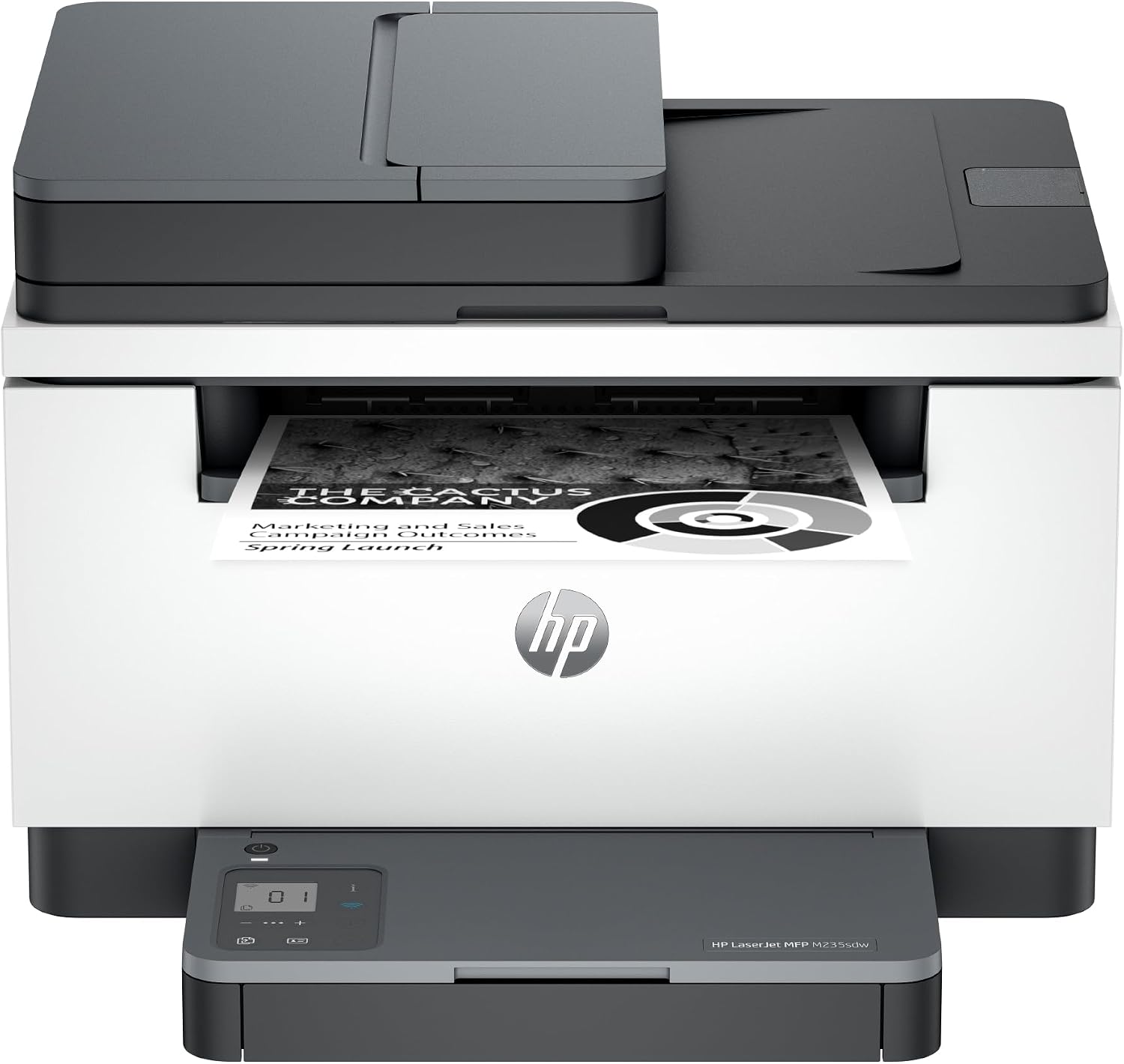

The HP LaserJet MFP M235sdw is a mono all-in-one with ADF. It shares HP 135A / 135X toner with several M200-series LaserJets — match the cartridge number printed on the toner door.
Choose original or compatible toner cartridges listed for this model. Open a pack to check its exact contents, yield claims and current stock.
No listed products match these choices. Select “All packs”, “All options” and “All availability” to see every listed option.
Out of stock
View product
Out of stock
View productHP 135A vs 135X toner: yield, fit and install for help choosing and installing your toner.
Missing a colour or printing gaps? Check the test pattern and next steps
Choose the HP 135A/135X family listed here. Check your full printer model and the product contents before ordering: printers with similar names can use different toner.
Original manufacturer toner is built for this family and is the safest warranty-friendly choice. Compatible options, when listed, can lower cost per page — compare pack contents and stated yield on each product page rather than price alone.
Sets and multipacks vary by family. Check the product page for the exact colours included. Choose an individual colour if that is all you need.
Use the toner-replacement steps in your printer's user guide. Match the toner family (for example TN1150 or TN2510XL), remove only the packaging and seals specified in the instructions, and seat the cartridge firmly without forcing it.
XL / high-yield toner costs more up front but usually prints more pages. If you print regularly, XL often lowers cost per page; occasional users may prefer a standard cartridge.
Check the toner level and use the nozzle-check or test-page procedure in your printer's user guide. Follow the recommended cleaning or drum checks if the pattern has missing lines.
Need help choosing? Contact Ink-Prints. Free UK delivery on orders £5.99 and over.
Toner-family reference: HP official compatibility information. Checked 28 October 2026. Printer names identify compatibility; the replacement supplies shown are sold by Ink-Prints.