+44 782 583 7455

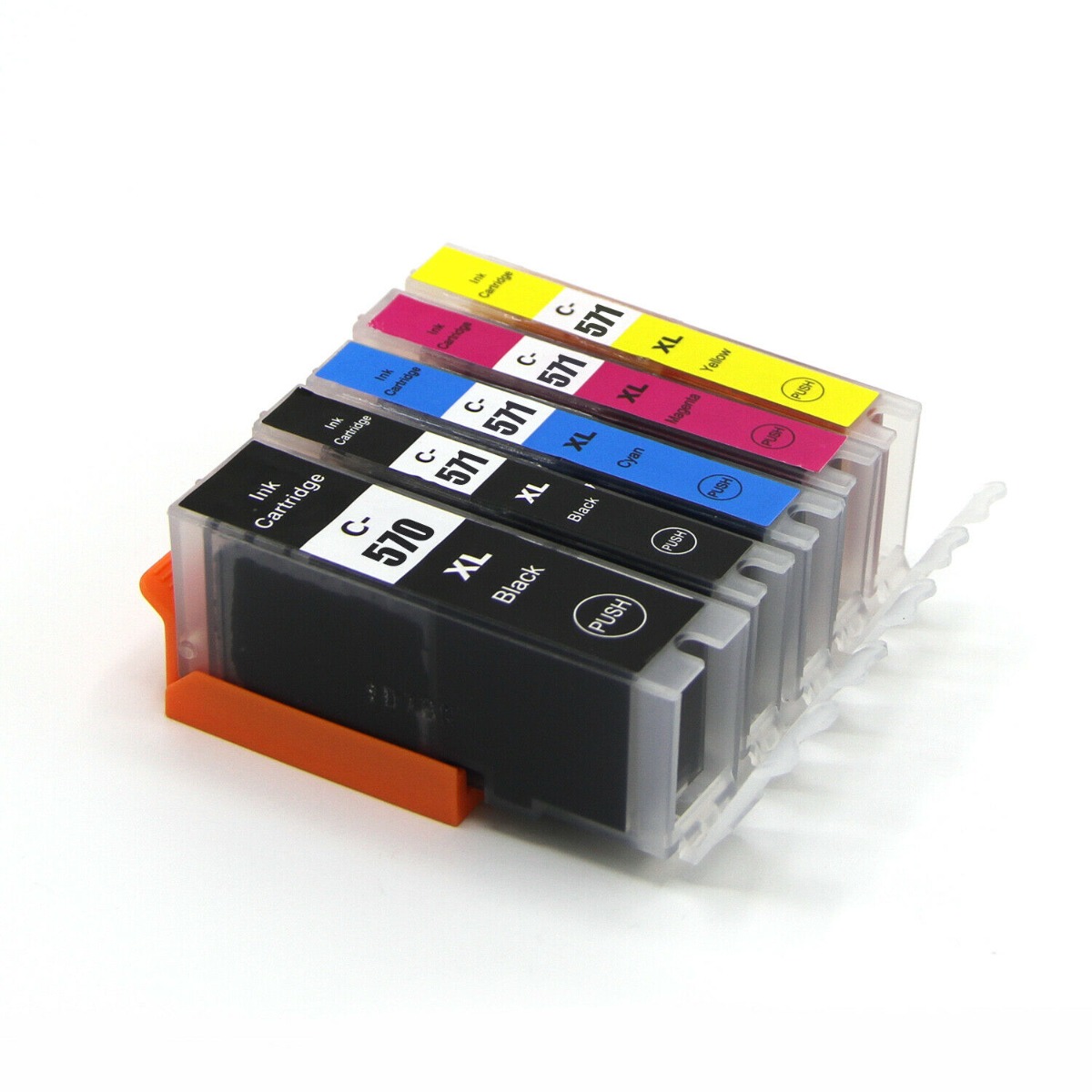
Compatible product example: Compatible Canon PGI-570XL/CLI-571XL Multipack (5 Pack) Ink Cartridges. View this product.
A Canon printer using PGI-570 and CLI-571 can have two different black cartridges: PGI-570 pigment black, labelled PGBK, and CLI-571 black, labelled BK. They are not spare copies of the same cartridge, and one is not a replacement for the other.
In this guide
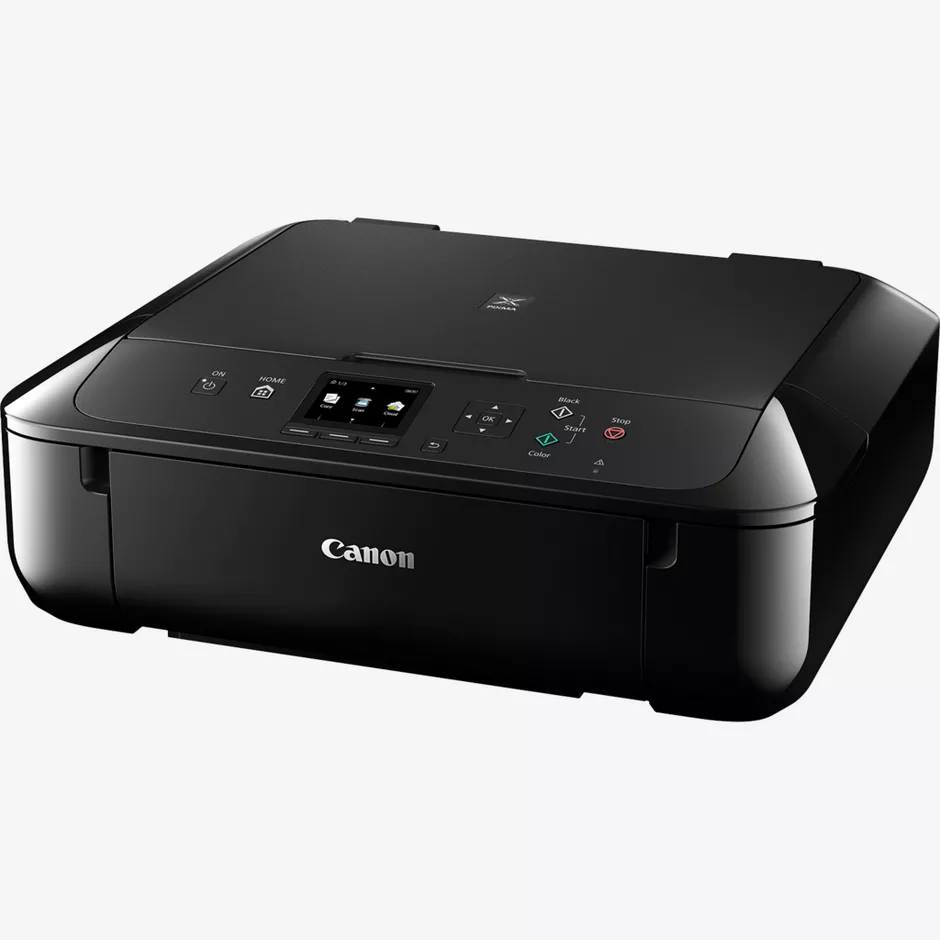
Read the slot labelsWhy there are two blacksFive-piece sets, extra black and extra coloursCompare capacity without mixing product typesQuestions about the two-black systemCheck the right rangeThe Canon PIXMA MG5750 uses the five-cartridge arrangement described below. Other models in the wider family can need an additional colour, so verify the complete printer model rather than buying any pack with 570 or 571 in its title.
Read the slot labels
| Position | Cartridge family | Buying check |
|---|---|---|
| PGBK | PGI-570 pigment black | Keep separate from the smaller BK position |
| BK | CLI-571 black | Do not substitute PGI-570 |
| C | CLI-571 cyan | Match the colour label |
| M | CLI-571 magenta | Match the colour label |
| Y | CLI-571 yellow | Match the colour label |
| Additional position, if fitted | Check exact model | A five-piece set may not cover it |
Canon's original five-piece multipack lists both black types alongside cyan, magenta and yellow. The distinction is functional, not simply a choice between a large and a small black cartridge. You cannot decide which to buy from the word black alone.
Why there are two blacks
The printer has different inks available for its document and photo printing system. Its driver, paper selection and print mode determine how those inks are used. Do not assume that selecting black-and-white always consumes only the pigment-black tank, or that a full PGBK tank can keep every mode working when BK needs replacement.
For shopping, the practical point is simpler: replace the position the printer identifies with the matching cartridge. Check the exact code on the old cartridge and in the manual. If the message says BK, confirm whether it means the CLI position before ordering a generic black listing.
The MG5750 printer page leads to the appropriate range. If you have an MG7750 or another model with a different slot count, do not use the MG5750's five-cartridge arrangement as your complete shopping list.
Five-piece sets, extra black and extra colours
A five-piece set is not automatically complete for every printer covered by a long compatibility heading. It may replenish five common positions while leaving an additional grey position to be purchased separately. Count the labelled positions in your machine and compare them with the written pack contents.
Extra pigment black may suit someone printing many documents, but it does not add another CLI black, cyan, magenta or yellow. Likewise, an extra CLI black is not a second PGBK. An uneven bundle should state these quantities plainly.
Look at the compatible five-piece 570/571 set for its own allocation. The listing's live specification, rather than a photograph of a larger printer family, should govern the order.
Compare capacity without mixing product types
Standard and XL labels need to be read within the correct cartridge code. A compatible XL product is not proved to have Canon-original yield simply because it replaces that original. Compare its stated capacity and evidence separately.
When evaluating cost, compare the cartridge you actually consume. Dividing a mixed five-piece pack price by five hides the difference between pigment black and the individual colour positions. If you regularly buy extra PGBK, calculate that purchase separately from the colour replenishment cycle.
No fixed saving is promised here. Delivered prices, pack contents and how much of each colour you use all affect the result. The multipack guide offers a useful way to check contents before comparing totals.
Questions about the two-black system
Can I put two PGI-570 cartridges in the printer?
Not as a substitute for its two different black positions. Each slot needs the specified cartridge type.
Is CLI-571 black the same as Photo Blue?
No. Do not import colour names from another Canon family, such as 580/581, into a 570/571 shopping list.
Why does the printer need a colour when I only print text?
Requirements depend on the model and selected mode. Consult the manual for supported operation; do not bypass an empty or unrecognised cartridge warning.
Should I buy a full set when only PGBK is low?
A suitable single PGBK may be enough. Compare what is low now and what you reasonably expect to use next, rather than discarding working colours to match a bundle.
Check the right range
Compare the labelled pack contents and current availability in our Canon PGI-570/CLI-571 range. Match your exact printer before ordering; ask us if the model or cartridge code is unclear.