We use cookies to make your experience better. To comply with the new e-Privacy directive, we need to ask for your consent to set the cookies. Learn more.
 +44 782 583 7455
Epson 104 vs 102 ink: which EcoTank bottles do you need?
Quick answer: The Epson EcoTank ET-2810 uses the 104 ink family, while the ET-2850 uses 102. Choose bottles by the complete printer model and ink number, rather than the EcoTank name alone.
Find current ink for your printer: Epson EcoTank ET-2810 · Epson EcoTank ET-2850.
Start with the printer model, not the bottle colour
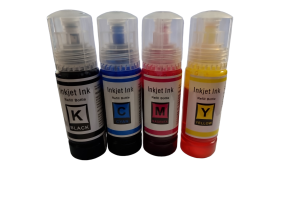
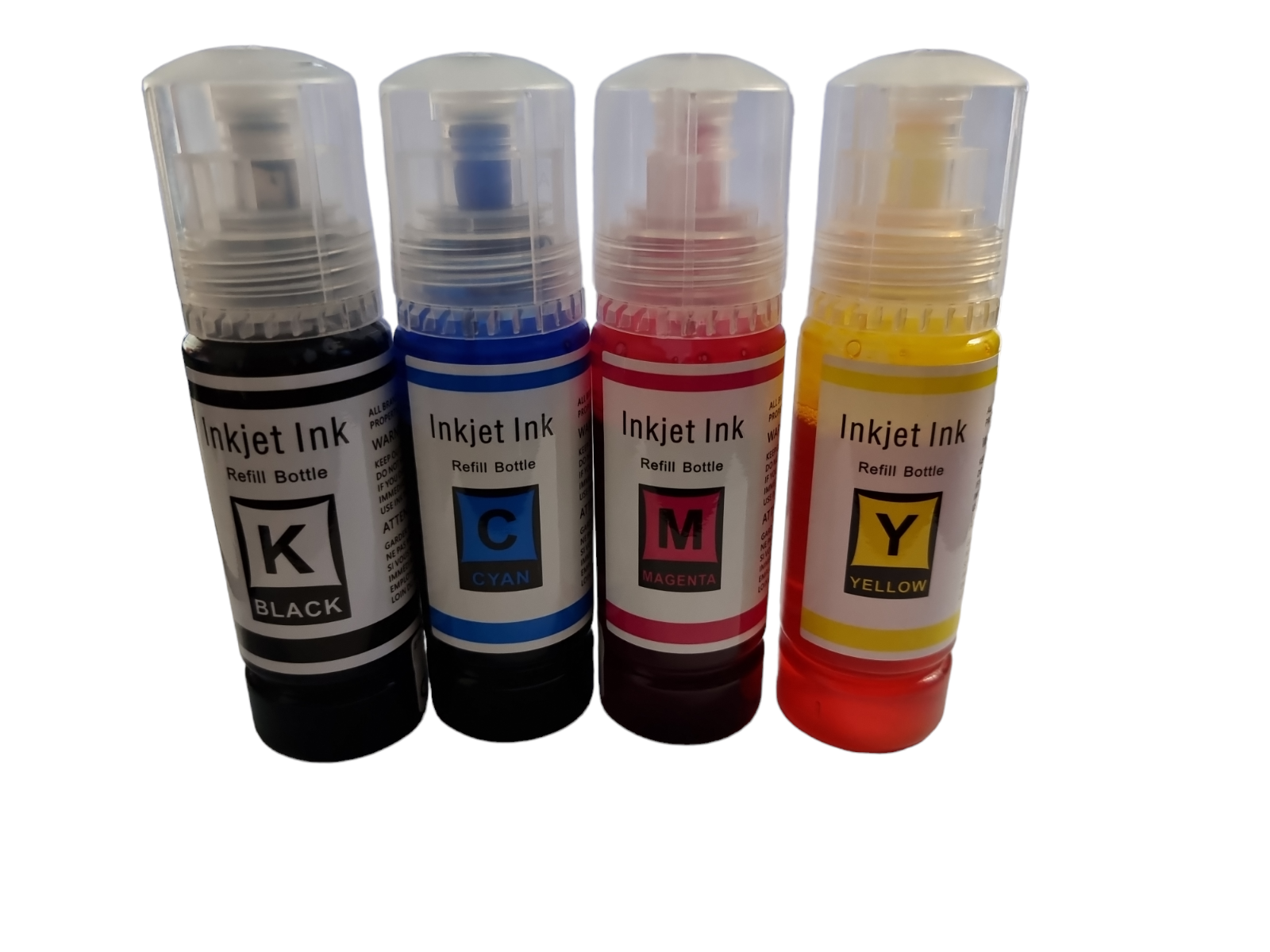
Both families include black, cyan, magenta and yellow, so a photograph of four coloured bottles is not enough to choose a refill. “EcoTank” identifies a printer range, not one universal ink. Read the full ET model number on the printer and compare it with the product’s compatibility list.
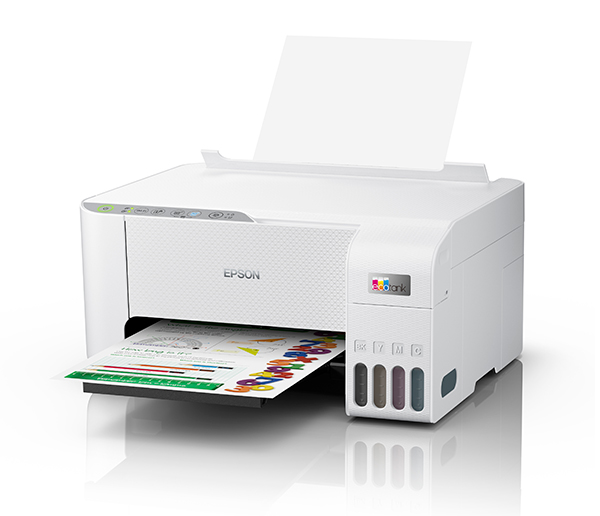
The ET-2810 and ET-2850 are a useful example: their names look similar, but they use different numbered ink families. A replacement set should list your exact printer or the correct cartridge-family number. A bargain is only useful if the ink is the right type for the machine.
104 or 102: a quick model check
| Example printer | Ink family |
|---|---|
| Epson ET-2810 | 104 |
| Epson ET-2850 | 102 |
Use the linked printer pages for the full model match and current compatible options. Do not assume that nearby model numbers share the same ink. If you have a different ET model, check it separately before adding bottles to your basket.
Compare bottle quantities and volumes
A four-colour set should explain how many black, cyan, magenta and yellow bottles it contains. A larger pack might be two complete sets, several black bottles or a colour-only bundle. Compare the quantity and the volume of each colour on the product page, rather than comparing the headline price alone.
If only one tank is running low, an individual bottle can be a more appropriate purchase than another complete set. Keep unused bottles according to their supplied storage instructions and retain the product label so you can identify the ink for the next refill.
Refilling: use the procedure for your exact printer
Follow the printer’s user guide and the bottle instructions when refilling. Match the colour to its tank, keep the bottle and printer upright, and do not force a bottle into an opening. Stop at the fill level specified for the printer. Ask for help if the bottle code or filling arrangement does not match.
These listings are for replacement printing ink. A standard refill bottle should not be assumed to be sublimation ink or to suit a converted printer. Check the stated ink type for the job you intend to do.
Find compatible ink at Ink-Prints
Browse Epson 104 ink · Browse Epson 102 ink.
View the compatible Epson 104 four-colour set
The linked products are compatible replacements supplied by Ink-Prints. Open the product page to check its exact contents, current price and stock before ordering. If the model or cartridge code does not match, ask us to check it.
Compatibility references: Epson ET-2810 consumables · Epson 102 compatibility. These manufacturer references identify the cartridge family; manufacturer yields are not a promise of replacement-ink performance.
Recent Posts