+44 782 583 7455

Brother LC3219XL ink: choosing colours and multipacks
Find current ink for your printer: Brother MFC-J6930DW · Brother MFC-J5330DW.

Start with the LC number and full printer model
Brother printer names and cartridge codes serve different purposes. The printer’s MFC-J model identifies the machine, while LC3219XL identifies the replacement family and capacity option. Check both before comparing packs.
Do not assume that every Brother office printer uses LC3219XL. Newer models with similar names can use LC422 or LC426 families instead. The linked printer pages show the current LC3219XL choices for the two example models above and lead to the rest of the family range.
Four colours, four separate cartridges
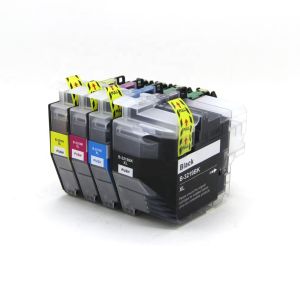
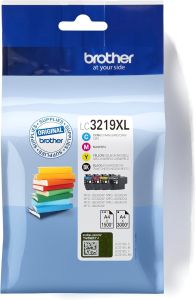
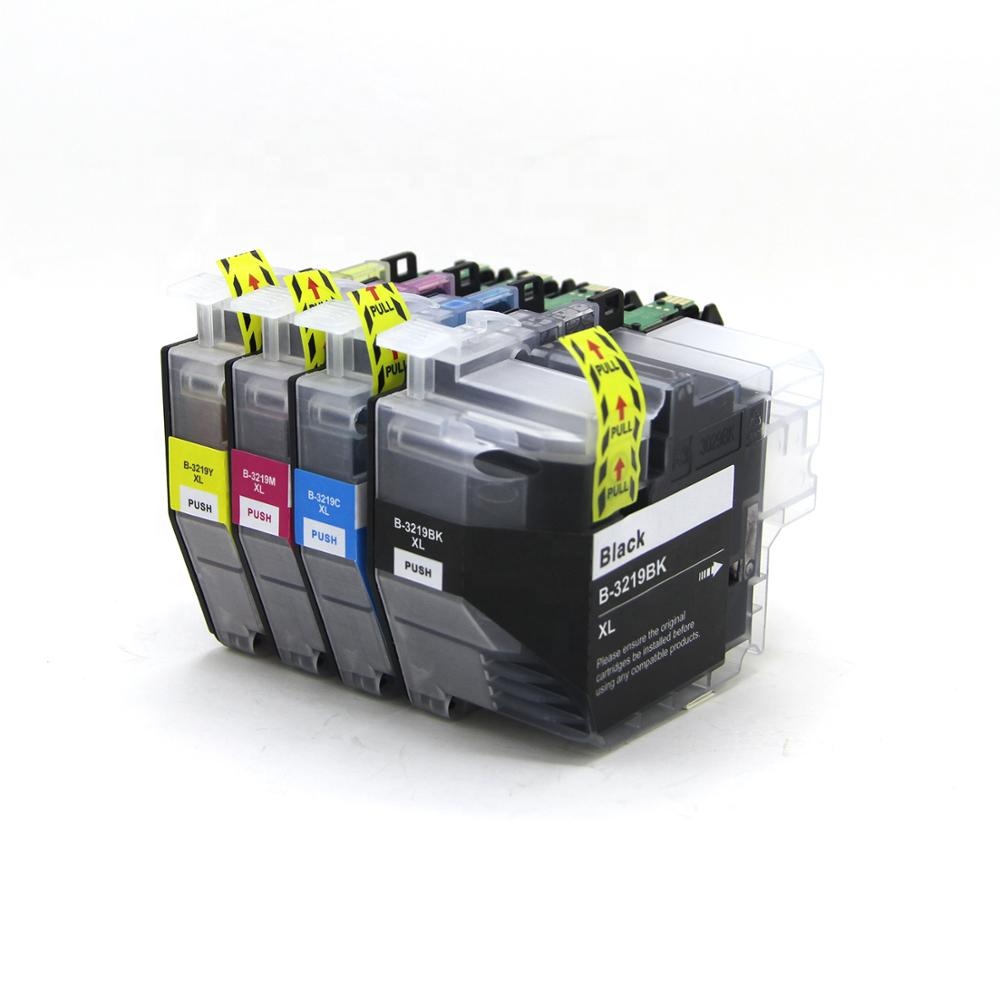
A complete CMYK set contains one black, one cyan, one magenta and one yellow cartridge when the listing specifies that breakdown. This differs from a black-only multipack. Count the physical cartridges and read the colour quantities, rather than assuming that a “four pack” always means a full colour set.
If just one colour is low, compare the single-colour options. A complete set can be convenient for a planned refill, but the right purchase depends on the ink levels and the colours you actually use.
What does a set plus extra black mean?
A set-plus-black bundle combines the four-colour set with additional black cartridges. Several full sets provide more of every colour. The difference matters if the printer spends most of its time producing black documents rather than colour pages.
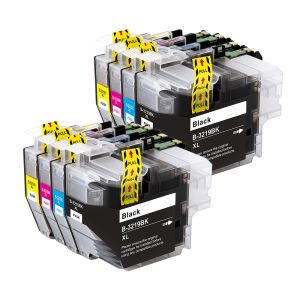
To compare bundles, write down the quantity of each colour. For example, two four-colour sets would contain eight cartridges with two of each colour. A different eight-cartridge bundle can have another breakdown, so always use the actual contents shown on the listing.
Keep the next reorder straightforward
Retain the label or order confirmation from a successful purchase so you have the family code for the next refill. Check the full model again if the office has several printers, and follow the supplied storage instructions for any cartridges you are keeping for later.
Use the printer’s user guide when replacing cartridges. If the screen reports that a cartridge is not recognised, contact us with the exact message, model and order number. Avoid forcing a cartridge into a position or trying another LC family as a substitute.
Find compatible ink at Ink-Prints
Browse compatible Brother LC3219XL ink.
View the compatible Brother LC3219XL four-colour set
The linked products are compatible replacements supplied by Ink-Prints. Open the product page to check its exact contents, current price and stock before ordering. If the model or cartridge code does not match, ask us to check it.
Compatibility references: Brother MFC-J6930DW supplies · Brother MFC-J5330DW supplies. These manufacturer references identify the cartridge family; manufacturer yields are not a promise of replacement-ink performance.
-
 Compatible Brother LC3219XL Ink - 4 Pack, 1 CMYK Set for MFC-J5330DW MFC-J6930DWSpecial Price £13.71 Regular Price £14.99