
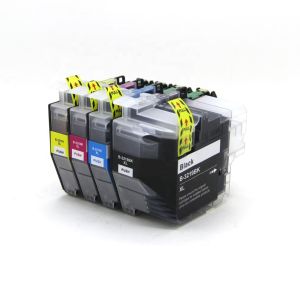
Compatible Brother LC3219XL Multipack 1 Full Set
In stock
View pack & buy +44 782 583 7455
Find ink by printer / Brother MFC-J5330DW
Your printer uses LC3219XL ink cartridges. Choose a multipack or just the colours you need.
Check the complete model number on your printer before ordering.
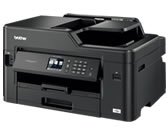
The MFC-J5330DW is a Brother multifunction inkjet printer. Its individual LC3219XL cartridges let you replace black, cyan, magenta or yellow separately. Choose a complete four-colour set for a full replacement or a single colour to match your needs.
Browse all LC3219XL compatible ink.
Choose a single colour, a compatible colour set or a larger bundle. Open a pack to check its exact contents.
In stock
View pack & buy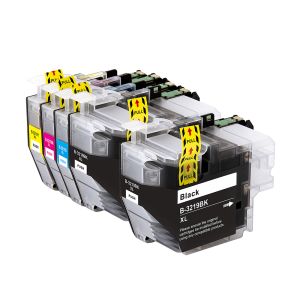
In stock
View pack & buy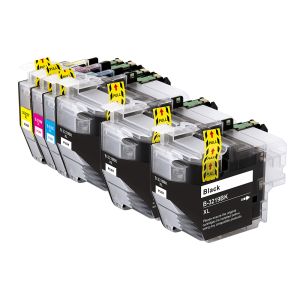
In stock
View pack & buy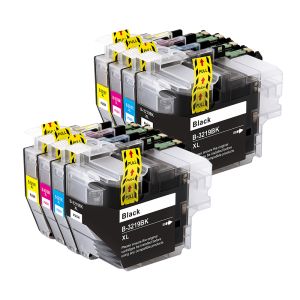
In stock
View pack & buy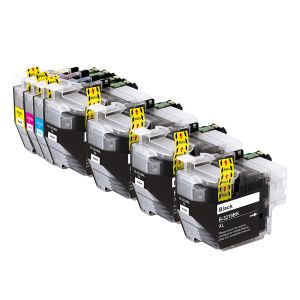
In stock
View pack & buy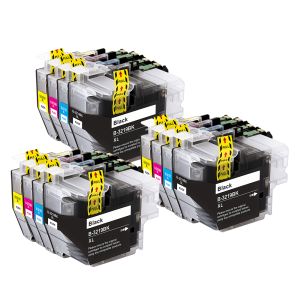
In stock
View pack & buy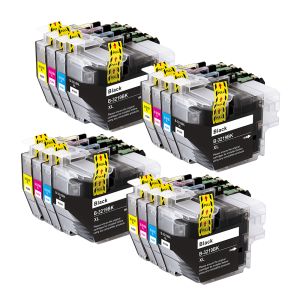
In stock
View pack & buy
In stock
View pack & buy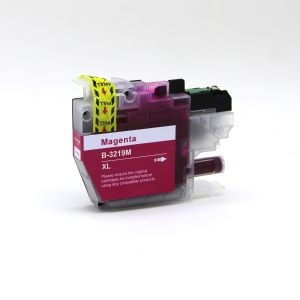
In stock
View pack & buy
In stock
View pack & buy
In stock
View pack & buyBrother LC3219XL ink: choosing colours and multipacks for help choosing and using your ink.
Cartridge not recognised? Follow our troubleshooting guide
Missing a colour or printing gaps? Check the test pattern and next steps
Choose the LC3219XL family listed here. Check your full printer model and the product contents before ordering: printers with similar names can use different ink.
Ink sets vary by family and pack size. Check the product page for the exact colours included. Choose an individual colour if that is all you need. Multipacks may contain extra black cartridges or several sets; check each product page for its exact contents.
Use the cartridge-replacement procedure in your printer's user guide. Match the colour and cartridge family, remove only the packaging and seals specified in the supplied instructions, and fit each cartridge in its correct position without forcing it.
Check the full printer model, cartridge family and installation instructions. If the printer still reports an error, contact us with your order number and the exact message on the screen so we can help identify the problem.
Check the ink level and use the nozzle-check procedure in your printer's user guide. Follow the recommended cleaning steps if the pattern has missing lines. If the problem remains, contact us with your model number and a photo of the nozzle-check pattern.
Need help choosing? Contact Ink-Prints. Free UK delivery on orders £5.99 and over.
Ink-family reference: Brother official compatibility information. Checked 12 October 2026. Printer names identify compatibility; the replacement inks shown are supplied by Ink-Prints.