+44 782 583 7455
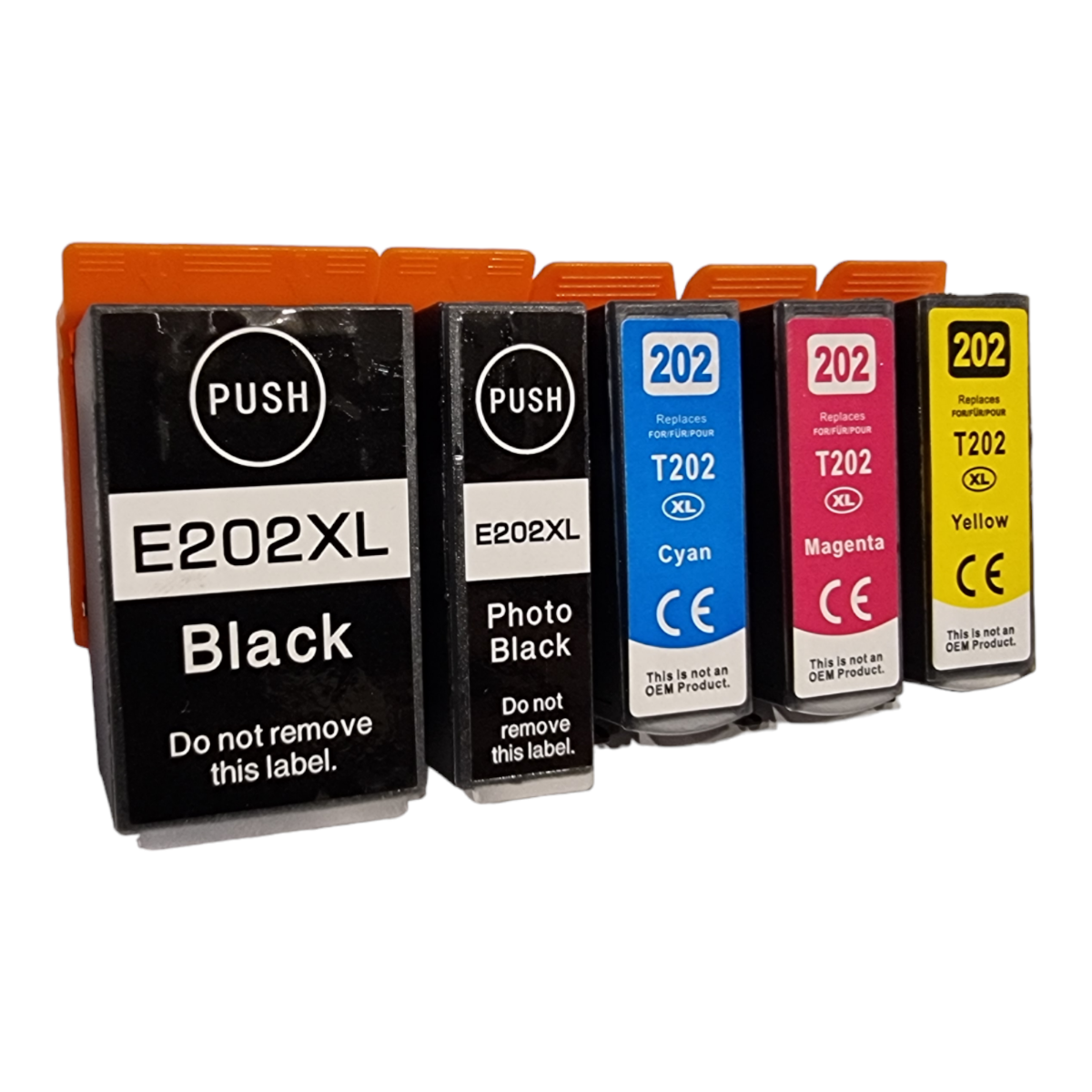
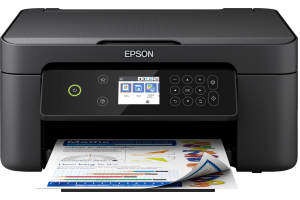
Compatible product example: Compatible Epson 202XL High Capacity 5 Ink Cartridge Multipack (C13T02G74010). View this product.
Epson 202 and 202XL are capacity options in the Kiwifruit family, whose five-colour system includes a separate photo black. Before choosing standard or XL, identify every required colour position in your exact UK printer.
In this guide
Count five distinct suppliesDocuments and photographs consume ink differentlyStandard versus XLCompare a five-piece set properlyIf photographs look wrongQuestions about 202 inkCheck the right rangeDo not treat an ordinary black and photo black as spare copies of one another. A pack described as black plus colours needs to make clear which black cartridge, and how many, it supplies.
Count five distinct supplies
| Label to check | Buying implication |
|---|---|
| Black | Match its own designated position |
| Photo black | Check it separately from ordinary black |
| Cyan | A separate colour supply |
| Magenta | A separate colour supply |
| Yellow | A separate colour supply |
Epson's 202-family material identifies a five-colour system including photo black. That is different from the common four-colour office set and from the six-colour 378 family with light cyan and light magenta.
Use Find Ink for your exact model and region. English-language results for 202 can refer to other markets, so do not order from the number alone without verifying the UK supplies list.
Documents and photographs consume ink differently
The paper setting and print mode influence how the printer uses its available inks. A text-heavy household and a photo-heavy household may therefore replace different cartridges at different times.
For buying, observe which positions actually run down rather than assuming one black cartridge can cover every job. Selecting grayscale is not a universal promise that the printer can ignore empty colours or photo black.
If a specific position is low, compare the appropriate single with a full set. Replacing all five because one is depleted may duplicate useful supplies and make a large bundle less attractive than it first appears.
Standard versus XL
The higher-capacity option is worth comparing when you use that colour regularly. A smaller initial purchase may suit occasional use or a printer you expect to replace soon. Neither choice changes the requirement to match the correct position and family.
Read the capacity of each cartridge in a multipack. A headline containing XL does not prove every component is XL, particularly in mixed original packs. Compatible offers also need their own clear specification.
Do not transfer Epson-original page or photo yields into a compatible comparison. Nor should an office-document yield be treated as the number of full-page photographs you will print.
Compare a five-piece set properly
Write down the five colour names and quantities on both offers. Extra black needs to be identified as ordinary black or photo black. Extra cartridges of one position do not create another complete five-colour set.
Compare delivered prices for equal contents first. If supported comparable yields exist, calculate within the same colour and test basis. Otherwise, present purchase cost and documented capacity without claiming a precise running-cost advantage.
Our multipack comparison guide explains the general method, but keep this family's two-black arrangement explicit throughout the calculation.
If photographs look wrong
Confirm the correct paper and quality settings before assuming a cartridge fault. If the printer's own diagnostic pattern has a missing colour, follow its model-specific maintenance guidance. If the pattern is complete but the photograph looks different from the screen, investigate the paper and colour workflow.
Do not try to correct a missing photo-black supply by fitting ordinary black elsewhere. Do not force a cartridge into the wrong position or modify it. If unsure, send the retailer a photograph of the model label and cartridge positions.
Questions about 202 ink
Is photo black optional?
Check the exact model's operational requirements. Do not assume it can be omitted simply because you mainly print documents.
Is 202 the same everywhere?
Confirm the printer's regional supplies. A search result from another market is not a UK compatibility guarantee.
Does XL mean better photos?
It is a capacity designation, not a promise of better colour accuracy or resolution.
Can I compare five cartridges with a four-colour set by count?
No. They replenish different systems. Compare correct contents for the printer you actually own, not unrelated cartridge counts.
Check the right range
Compare the labelled pack contents and current availability in our Epson 202 / Epson 202XL (Kiwifruit) range. Match your exact printer before ordering; ask us if the model or cartridge code is unclear.