+44 782 583 7455
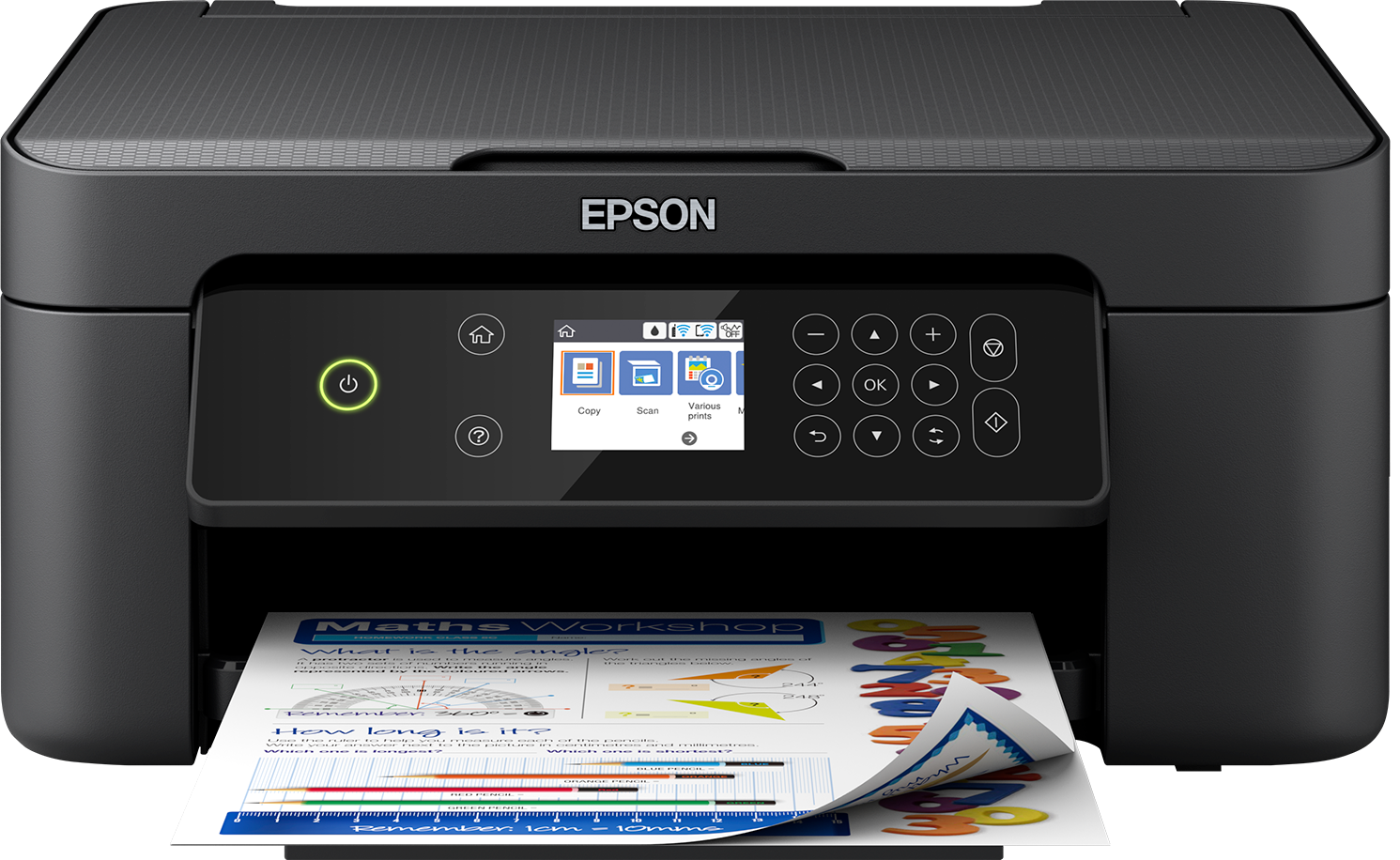
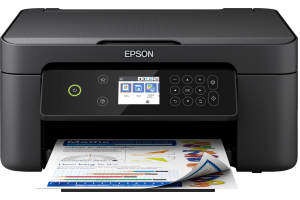
Epson XP-4100 - manufacturer model image. Check your exact printer before choosing ink. View this printer.
If print-head cleaning has not improved the output, stop repeating it automatically. Compare a model-generated pattern before and after cleaning, check the exact manual's limits and waiting periods, and establish whether the symptom is actually a nozzle problem.
In this guide
Confirm what failed to improveCheck supplies and recent changesRespect model-specific limitsAvoid escalating to improvised physical cleaningPrepare for supportQuestions about failed cleaningA recognition error, wrong paper setting or copy-only streak is not repaired by repeatedly consuming ink through a cleaning routine. The absence of improvement is useful evidence that the current approach needs reassessment.
Confirm what failed to improve
Keep the first and latest diagnostic patterns. Note which colour or section is incomplete and whether it changed. If you have only been printing a photograph repeatedly, run the appropriate supported quality check so the evidence is clearer.
| Situation | Better next step |
|---|---|
| Same missing pattern after supported steps | Observe the manual's pause and escalation guidance |
| Complete pattern but image looks wrong | Paper, quality and colour settings |
| Cartridge not recognised | Detection troubleshooting |
| Only copies have marks | Scanner/copy checks |
| New maintenance warning | Follow the warning, not another cleaning attempt |
Do not assume a full ink indicator proves correct ink flow. Equally, do not assume a missing colour proves every cartridge in a pack is faulty.
Check supplies and recent changes
Verify the exact cartridge or bottle family, colour positions and any preparation needed for a newly fitted replacement. Remove only packaging identified by its instructions. Avoid unnecessary handling of contacts and outlets.
For tank printers, inspect levels as the manual requires. Do not overfill or add a different ink series. A refill and an initial setup charge are different procedures; do not repeat one in place of the other without explicit model guidance.
Write down whether the fault began after replacement, refill, a long idle period or a settings change. Change one thing at a time so the next result can be interpreted.
Respect model-specific limits
There is no universal three-clean, twelve-hour rule for every printer. Epson manuals themselves vary by model, and Brother, Canon and HP procedures can differ again. Use the exact manual, not a generic troubleshooting number.
A waiting period is part of a supported process where specified. Do not shorten it by restarting the same cleaning routine or assume a power cycle makes the previous cleaning count irrelevant.
Stronger cleaning functions can use substantial ink and may require particular levels or maintenance conditions. They are not simply the next button to press whenever ordinary cleaning disappoints. Follow the documented eligibility and stopping conditions.
Avoid escalating to improvised physical cleaning
Do not force fluid through a fixed head, soak internal assemblies, spray household cleaners or use tools to scrape nozzles. A procedure for a removable component on one model is not permission to apply it to another design.
If the manual permits a specific user-cleaning task, follow its materials and access instructions exactly. Otherwise, seek manufacturer or qualified repair advice. A generic internet photograph is not enough evidence that you have identified a safely removable part.
Stop immediately if access requires force, ink leaks, a new error appears or you cannot identify the component confidently. Preserve the original symptom rather than adding damage that obscures it.
Prepare for support
Provide the full printer model, cartridge or bottle labels, before-and-after patterns, the number and type of supported maintenance steps already attempted and the waiting periods observed. Include any error screen.
Explain whether ordinary printing, copying and the internal test are affected alike. This can prevent an unnecessary cartridge recommendation for a scanner or document problem.
Use Find Ink only when the evidence identifies a suitable replacement need. Buying a different family or several speculative sets is not a controlled troubleshooting step.
Questions about failed cleaning
Should I keep cleaning until the pattern changes?
No. Follow the exact model's limits and pauses. Persistent no-improvement needs reassessment or support.
Is power cleaning always the next step?
No. Check the specific model's requirements and instructions first. It can have additional ink and maintenance implications.
Will replacing all cartridges prove the head is faulty?
Not necessarily. Uncontrolled changes can consume money without establishing the cause. Discuss the evidence first.
Can a good nozzle pattern still produce disappointing photos?
Yes. Paper and colour settings can affect photographs even when expected channels are present. Cleaning is not a universal calibration tool.