+44 782 583 7455
Epson 378 and 378XL are standard and higher-capacity options in the Squirrel family. The important first check is that this is a six-colour photo system: black, cyan, magenta, yellow, light cyan and light magenta.
In this guide
Read all six colour namesChoose capacity around real useSets and additional coloursCost per photo needs the right evidenceCheck current availability honestlyQuestions from photo-printer ownersCheck the right rangeDo not replace that shopping list with a generic four-colour set or confuse light cyan and light magenta with spare copies of the ordinary colours. Each listed position needs the correct supply for the exact printer.
Read all six colour names
| Colour | Check on the offer |
|---|---|
| Black | Correct family and capacity |
| Cyan and magenta | Ordinary C and M, one position each |
| Yellow | Correct family and quantity |
| Light cyan | Explicit LC component, not ordinary cyan |
| Light magenta | Explicit LM component, not ordinary magenta |
Epson's original 378 documentation describes these six colours. It does not establish the output quality or lifetime of every compatible alternative. Claims for another supplier's ink require their own evidence.
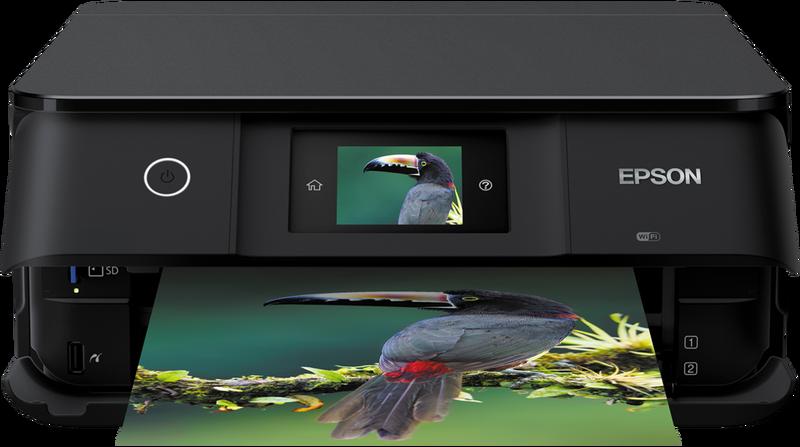
Use Find Ink for the full model on your machine. A broad Expression Photo name is not enough: different models can use different supplies even where they target similar photography tasks.
Choose capacity around real use
For regular photo printing, compare XL against standard for the colours you replace most often. For occasional photographs, consider how much ink you realistically expect to use and how long you plan to keep the printer.
A higher-capacity label is not a guarantee of better gradients, archival life or paper compatibility. Those are separate performance questions involving the actual ink and paper. Do not assume an original manufacturer's photo claims apply unchanged to a compatible product.
Keep track of individual replacements. A collection of light-coloured photographs may consume the six channels differently from text documents or dense dark images. One complete set does not guarantee that every cartridge will empty at the same time.
Sets and additional colours
A complete six-colour set should name all six components. Two complete sets repeat each of them. A set with extra black is a different allocation and does not contain another complete set of photo colours.
Check whether every listed component is standard or XL. If a pack mixes capacities or related codes, read the exact product specification and compatibility rather than assuming the headline applies uniformly.
Our multipack guide helps compare quantities, but remember that six-colour photo supplies cannot be compared meaningfully with a four-colour office set by cartridge count alone.
Cost per photo needs the right evidence
A document page-yield number is not automatically a photo yield. Photo dimensions, borderless settings, paper and image coverage all affect consumption. Do not use a lightly covered office-page figure to promise a fixed number of full photographs.
If using manufacturer-original ratings, keep their stated test conditions attached. For compatibles, use product-specific evidence or acknowledge that a precise cost-per-photo calculation is unavailable.
You can still compare delivered purchase cost for identical colour quantities. That is a useful buying comparison without pretending it measures the lifespan or output of a photograph you have not printed.
Check current availability honestly
Original and compatible stock can differ. Use the live product page for current availability; the existence of this guide is not a promise that every compatible 378XL colour or bundle is in stock.
If the required replacement is unavailable, do not buy another family or substitute a light colour with ordinary cyan or magenta. Ask about the correct current option. Keep unopened supplies sealed if the family or colour is uncertain.
Questions from photo-printer owners
Is photo black one of the six 378 colours?
The six-colour list here is BK, C, M, Y, LC and LM. Do not import a two-black shopping list from another Epson family.
Does XL make prints last longer on display?
Capacity is not a permanence rating. Look for evidence for the exact ink and paper combination.
Can I mix up light cyan and cyan?
No. Match each cartridge to its designated position and label.
Does a full set need replacing together?
Follow the printer's replacement messages. A set purchase does not require discarding usable supplies, and single-colour needs should be assessed separately.
Check the right range
Compare the labelled pack contents and current availability in our Epson 378 / Epson 378XL (Squirrel) range. Match your exact printer before ordering; ask us if the model or cartridge code is unclear.