+44 782 583 7455
Ink Cartridges
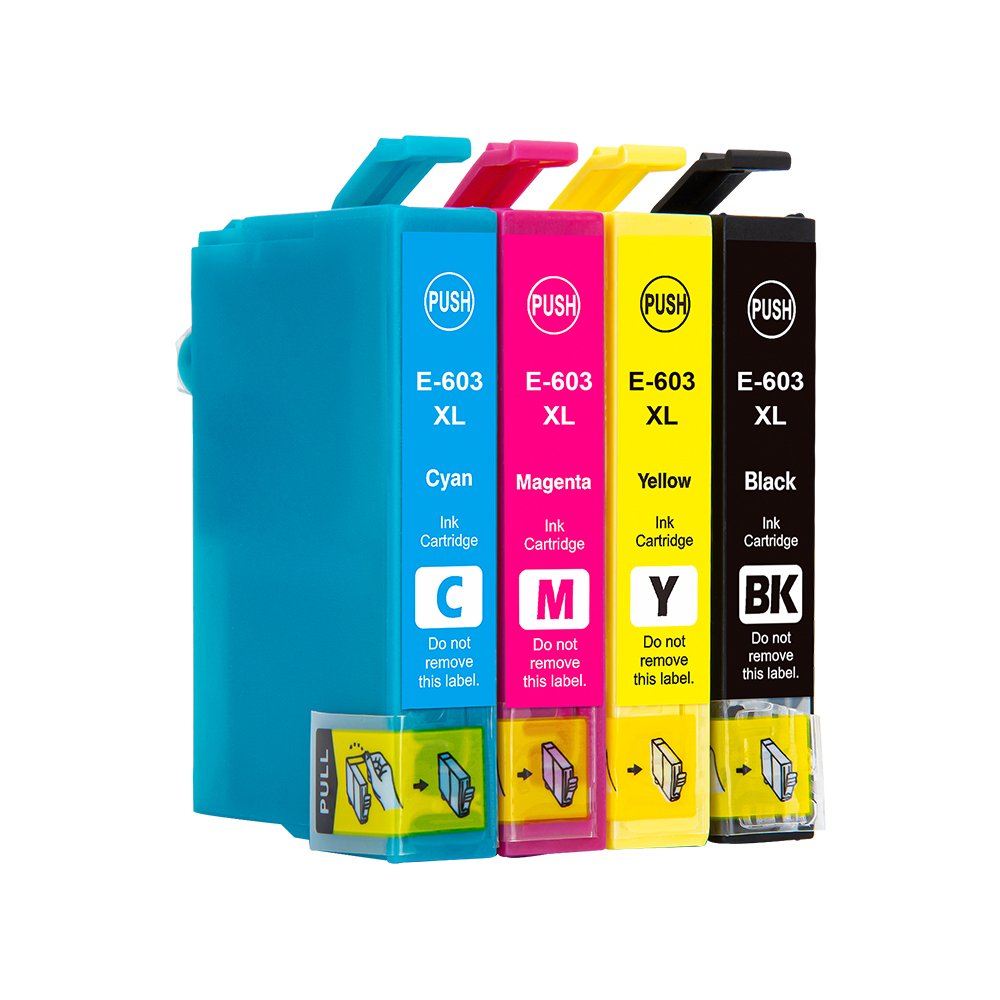
The right ink cartridges are the ones made for your exact printer model and region. Start with the cartridge number or your printer's full model name, then compare the colours, pack contents and yield. A lower price is useful only when the ink fits and the pack contains what you need.
Already know your ink number? Browse its family. Not sure? Find your printer first.
Which ink cartridges does my printer use?
- Find the full printer model. Look on the printer's front panel or identification label. Keep the letters and numbers: a similar-looking model can use a different ink family.
- Check the cartridge number. Read the code on your existing ink, the printer's supply information or its manual. Confirm that it is the correct regional version for your printer.
- Open the matching printer or ink-family page. Check the compatibility list on the actual product before adding it to your basket. The printer brand alone is not enough.
- Choose the colour and quantity. A black cartridge, a colour cartridge and a full set are different purchases. Check the contents rather than relying on the product photograph alone.
If the label is unclear, send us your printer model and a clear photo of the cartridge label. We can help check the match before you order.
Browse popular cartridge families
These links help you compare the products currently listed in each family. They are examples of different ink systems, not interchangeable alternatives.
Original or compatible ink cartridges?
Original ink
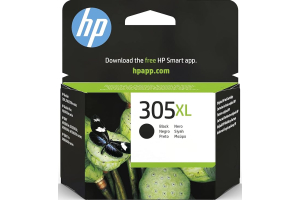
Original, or OEM, cartridges are sold under the printer manufacturer's brand. Choose the exact cartridge code and yield you need. They are the required choice for some printer programmes and setups.
Compatible ink
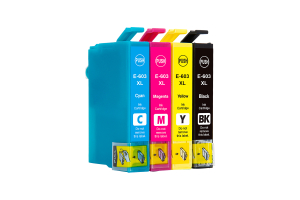
Compatible cartridges are third-party alternatives designed for listed printers. Our compatible products are identified as compatible so you can distinguish them from originals. Check the current compatibility information, chip requirements and pack contents.
Where we have a matching original and compatible product, use the product-page comparison to see the current options. Prices and availability can change. Compare like-for-like colours and quantities; a four-cartridge set is not equivalent to one black cartridge.
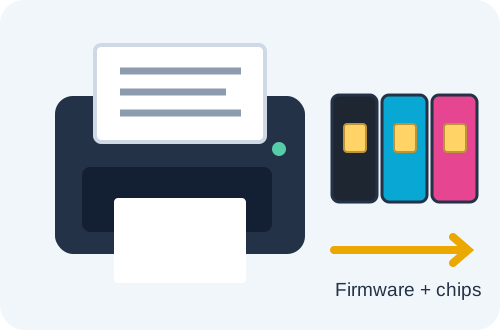
HP says that once HP+ is activated, the printer requires Original HP ink for its lifetime. Do not assume that a compatible cartridge will work because its number appears correct. Check your printer's setup and current firmware requirements before ordering. Read HP's explanation of HP+.
Standard, XL or a bigger multipack?
XL usually indicates a higher-yield version within an ink family. It does not mean that the cartridge fits more printers. Compare the stated yield for the exact product; do not assume that every XL cartridge contains the same amount of ink or prints the same number of pages.
Page yields depend on the stated test conditions and what you print. Photos, dense graphics and cleaning cycles can use more ink than light text. A quoted page count is a comparison aid, not a promise for every household's printing.
- Single cartridges: useful when you need one colour and your printer supports replacing that colour separately.
- A full set: check which colours it includes. Some printers use separate pigment black and photo black, or an additional photo colour.
- A set plus extra black: useful only if the extra black is the correct cartridge and you expect to use it. It is not directly equivalent to a standard original multipack.
- Two or more full sets: compare the total price with buying the same set separately. For a fair original-versus-compatible comparison, multiply the same original pack by the same number of sets.
A larger bundle can reduce the cost per set, but buying more ink than you will use is not automatically better value. For examples, read how to compare ink multipacks, contents and XL value.
Ink cartridges, ink bottles and toner are different
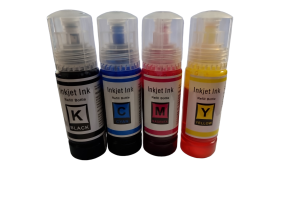
A cartridge goes into the matching cartridge-based inkjet printer. Refillable tank printers use specified ink bottles instead. Laser printers use toner. Similar colour names or printer brands do not make these supplies interchangeable.
For EcoTank refills, start with the Epson 104 vs 102 bottle guide and confirm your printer model. Never fill a tank with an ink type chosen only because its bottle looks similar.
Need help after installing ink?
If a cartridge is not recognised, write down the exact error and check the printer model, cartridge number, protective seals and installation instructions. Avoid repeated resets or cleaning cycles without first identifying the problem.
- Ink cartridge not recognised: checks and support information
- Missing colours or gaps with no error message
For support, send your printer model, photos of the cartridges installed in the printer and clear photos of any errors on the printer or computer. This is more useful than an error description alone.
Quick questions about printer ink
Can I buy ink using only the printer brand?
No. Use the full model number or the confirmed cartridge family. A brand can have many incompatible ink systems.
Will an XL cartridge fit wherever a standard cartridge fits?
Do not assume it will. Check that the exact XL code is listed for your printer. Capacity labels are not a substitute for the compatibility list.
Is a tri-colour cartridge the same as three separate colour cartridges?
No. A tri-colour cartridge combines colours in one cartridge, while a printer with separate colour cartridges uses individual supplies. Buy the system your printer requires.
How can I check delivery?
Use the product's delivery information and the options shown in your basket. Own-stock ink and supplier-fulfilled originals can have different dispatch arrangements. See our delivery information.
Match the printer first, check the pack second, then compare the available options.