+44 782 583 7455
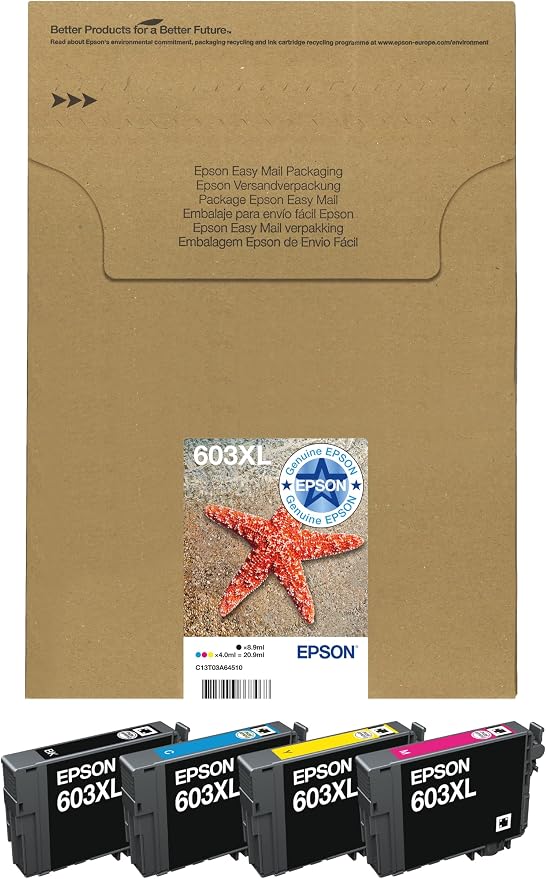
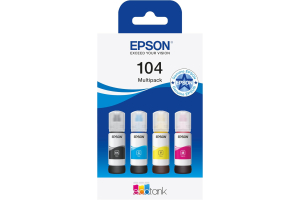
Original product example: Epson 603XL Multipack Original Ink. View this product.
Epson 603 and 603XL belong to the Starfish family. The main purchasing difference is capacity, provided the exact cartridge is listed for your printer. XL is worth comparing when you print regularly, but the larger option is not automatically better value for every household.
In this guide
Capacity is not compatibilityWhen standard capacity may be sensibleWhen to compare XLRead Starfish packs carefullyBuying a compatible versionCheck the right rangeStart by identifying what you need to replace: black, one colour or all four. That decision often has more impact on a sensible order than choosing the biggest available bundle.
Capacity is not compatibility
A printer listed for 603-family supplies should be checked against both the manufacturer's model information and the replacement product. Do not choose 604XL because the number looks similar. The 603XL versus 604XL guide explains that separate-family distinction.
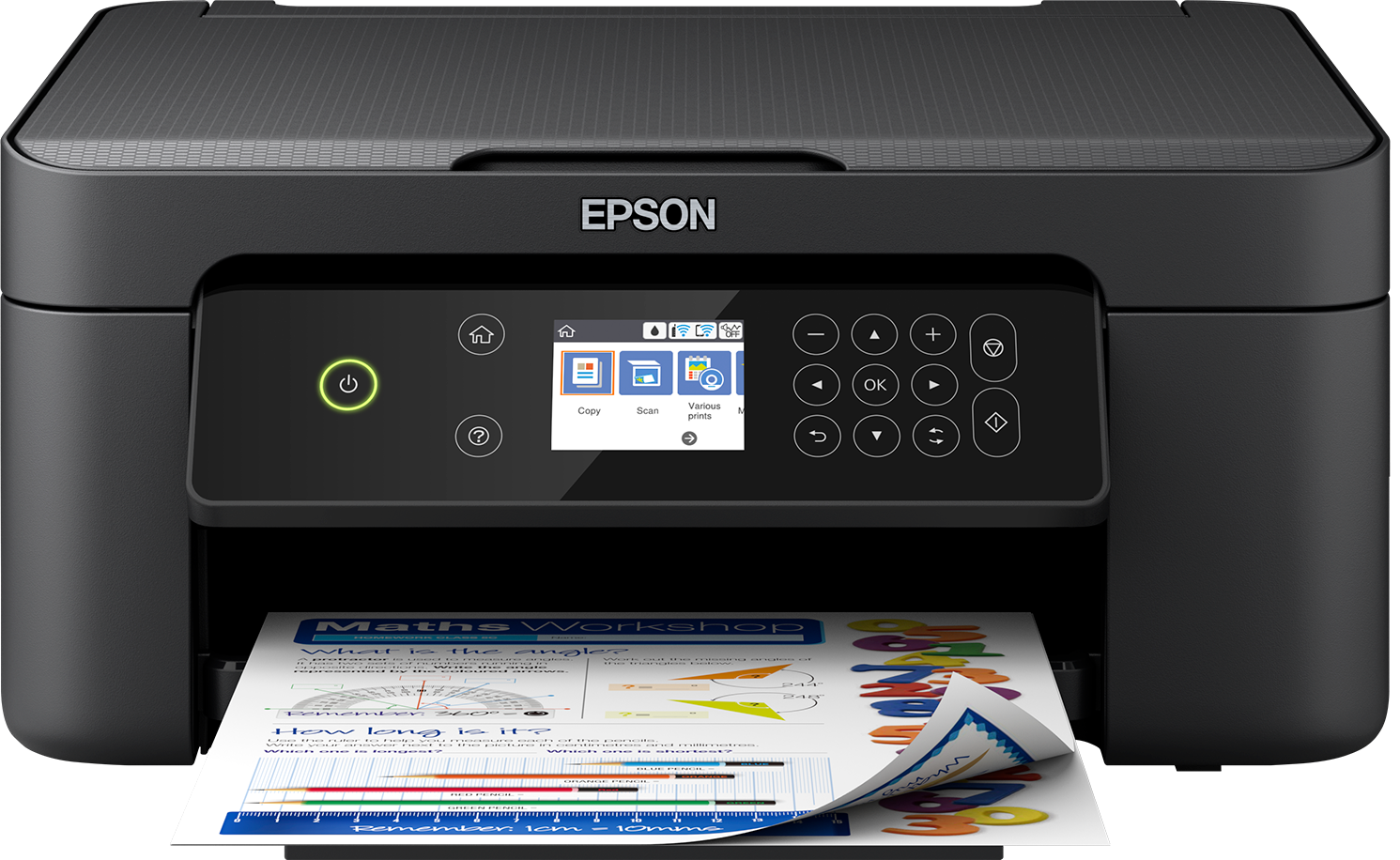
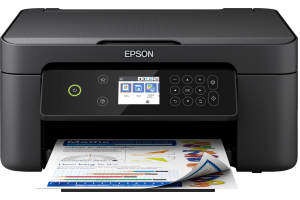
For a supported example, use the XP-3100 model page. If your model differs, search its complete code rather than assuming every Expression Home machine uses Starfish ink.
| Decision | Check before buying |
|---|---|
| Standard or XL black | Expected document use and comparable yield |
| Standard or XL colour | Actual colour consumption |
| Single cartridge or set | Which colours are currently low |
| One set or several | Existing spares and realistic future use |
| Original or compatible | Separate product specifications and current model support |
When standard capacity may be sensible
A smaller purchase can suit occasional printing, an uncertain printer lifespan or a short-term requirement. It limits the amount of money tied up in supplies you may not use soon. This is a buying consideration, not a claim that standard ink resists drying better than XL.
If you only need one colour, a suitable single cartridge can be more useful than a complete set. A cheap multipack is not a saving if most of it duplicates unopened spares already at home.
Write down the colours you have waiting. This simple stock check avoids repeatedly buying sets because black runs low first, while unused cyan, magenta and yellow accumulate.
When to compare XL
If you print regularly and expect to keep the printer, compare delivered standard and XL prices against comparable declared yields. Keep the comparison within the same colour and product type.
A lower pence-per-declared-page figure can support an XL choice, but your actual documents may consume more ink than the test pages. Dense worksheets, images and maintenance make a household's result different from a published yield.
Manufacturer-original ratings are not evidence for compatible output. Read the replacement supplier's own specification and do not convert millilitres into guaranteed pages. If the test basis is missing, acknowledge that the exact running-cost comparison is uncertain.
Read Starfish packs carefully
A complete four-colour set contains black, cyan, magenta and yellow. An extra-black bundle adds black replacements, not another complete colour set. A product may also combine different capacities, so inspect every code rather than relying on XL in the headline.
The compatible 603XL set should be compared by its listed contents. Use the live listing for the actual price and availability; an older search snippet may no longer match.
If comparing two complete sets with a single larger bundle, make the quantities identical first. Do not add black and colour page yields together and present the total as the number of full-colour pages the pack guarantees.
Buying a compatible version
Check exact-model compatibility, current installation advice and support arrangements. A shared family number does not mean all supplier chips, capacity claims or firmware support are identical.
If recognition fails after replacement, record the affected colour and exact message before opening another cartridge. A head-cleaning cycle will not correct an electronic recognition problem. Ask for help using the recognition guide rather than attempting a firmware rollback.
Does XL mean better quality?
Not by itself. The label describes capacity; paper, settings and the exact ink product affect output quality.
Is XL always twice the standard yield?
Do not assume a fixed multiplier. Check the declared figures for the exact original or compatible product and their test conditions.
Must every cartridge be the same capacity?
Choose supported replacements for each position. A mixed-capacity pack should state its contents clearly; follow any product-specific compatibility guidance.
What is the best starting point if I am unsure?
Confirm the printer model, then list the colours you need. Compare the appropriate singles or sets before deciding on standard or XL.
Check the right range
Compare the labelled pack contents and current availability in our Epson 603 / 603XL (Starfish) range. Match your exact printer before ordering; ask us if the model or cartridge code is unclear.