+44 782 583 7455
When an Epson 603XL error appears immediately after replacement, compare the new cartridge with the exact model's supplies list and record the affected colour. A first-installation recognition problem is not the same as a cartridge that worked and later became empty.
In this guide
Reconstruct the replacementConfirm Starfish, not just XLFollow the screen and model manualDo not substitute cleaning for recognition checksWhen to contact the supplierCheck the right rangeFor UK models such as the XP-3100, use the Starfish family and the printer's own replacement procedure. Do not copy button sequences from a different Epson or assume that restarting the computer changes a cartridge's identity.
Reconstruct the replacement
Write down what was changed: one colour or several, original or compatible, and whether any warning existed beforehand. Note whether the new cartridge was ever accepted. This short timeline is more informative than a series of unrecorded resets.
| Observation | Useful next check |
|---|---|
| One new colour rejected | Its label, seating and exact error |
| Several colours rejected together | Family, installation sequence and current compatibility |
| Existing cartridge now highlighted | What was moved during replacement |
| No error but blank or streaky output | Print-quality diagnosis instead |
Keep the old packaging and the new product label. If several identical loose cartridges are on the desk, avoid mixing them while investigating.
Confirm Starfish, not just XL
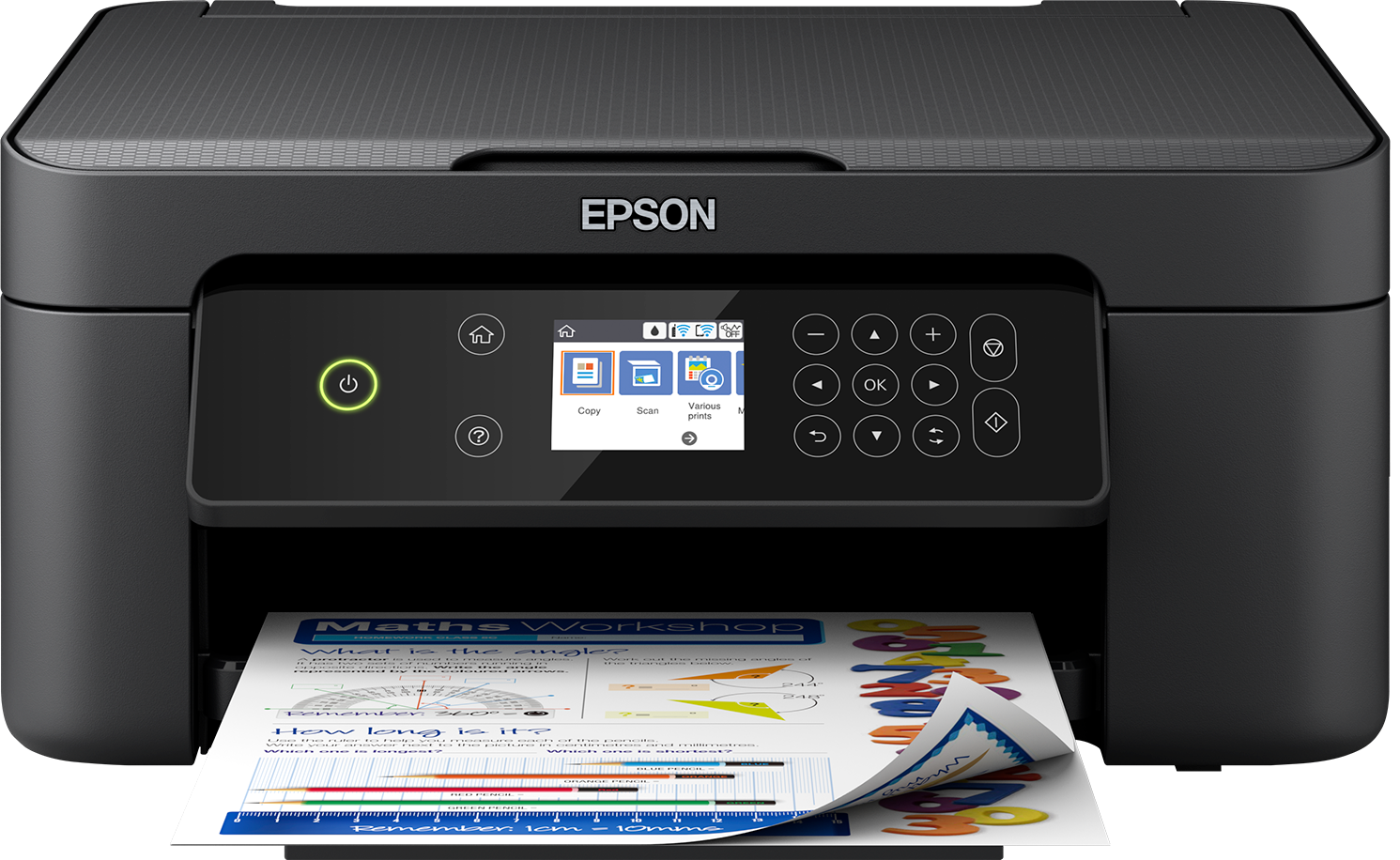
Use the complete model shown on the printer. The XP-3100 page identifies a supported UK example; a similar-looking XP machine may need another number. Imported printers require their own regional supplies check.
603XL and 604XL are separate families. If the wrong one was ordered, stop and keep the remaining items sealed. Neither a high-capacity label nor a similar four-colour photograph makes the wrong cartridge suitable.
Read the code on the cartridge itself as well as its outer packaging. A seller's broad title is not enough to establish that the item in your hand matches the order.
Follow the screen and model manual
Use the cartridge replacement or maintenance route documented for the printer. Let the carriage reach its intended position and do not move it by hand. Remove only preparation seals identified for that specific cartridge.
Check that the affected replacement is seated using the documented method. Avoid touching exposed contacts, dismantling a cartridge or attempting to straighten internal printer parts. If the procedure is unclear, stop and ask rather than applying more force.
Close the required covers and allow the printer to finish its normal process. Interrupting movement or charging can add a different fault to the original issue. A supported reseat is a check, not a routine to repeat indefinitely.
Do not substitute cleaning for recognition checks
A nozzle check is useful after the cartridge has been accepted and printing quality can be assessed. It is not a way to change an unrecognised cartridge into a recognised one. Repeated head cleaning consumes ink without addressing the identification problem.
Similarly, there is no reason to assume all original and compatible cartridges must always be removed together to clear a universal memory cache. Record the actual arrangement and follow exact-model support advice.
An error following a software change should be reported with that timing. Do not try an unofficial firmware rollback, a chip swap or a hidden-service reset. Those steps are not necessary to provide useful evidence to the retailer.
When to contact the supplier
If the correct cartridge remains unrecognised after the documented installation checks, provide the full printer model, order details, cartridge-label photo and error-screen photo. Include a picture of the installed supplies so the affected position can be identified.
Explain whether the other colours are working. Do not open multiple spare packs simply to keep trying unless support has given a clear reason. Preserving an unopened replacement can be useful if the original diagnosis turns out to be a wrong-family order.
For general checks, see the recognition guide. Once recognition is resolved, assess any remaining poor output as a separate print-quality problem.
Is a low-ink message the same as not recognised?
No. Read the precise wording and follow the correct route for that message.
Does rebooting prove the cartridge is faulty?
No. A restart is not a controlled identification test and cannot establish the cause on its own.
Should I clean or wet the chip?
Do not improvise cleaning methods. Follow the exact manufacturer's supported handling advice and avoid touching the contact area unnecessarily.
What if the error moves to another colour?
Record that change and report what was removed or reseated. Stop making several changes at once, otherwise the sequence becomes difficult to interpret.
Check the right range
Compare the labelled pack contents and current availability in our Epson 603 / 603XL (Starfish) range. Match your exact printer before ordering; ask us if the model or cartridge code is unclear.