+44 782 583 7455
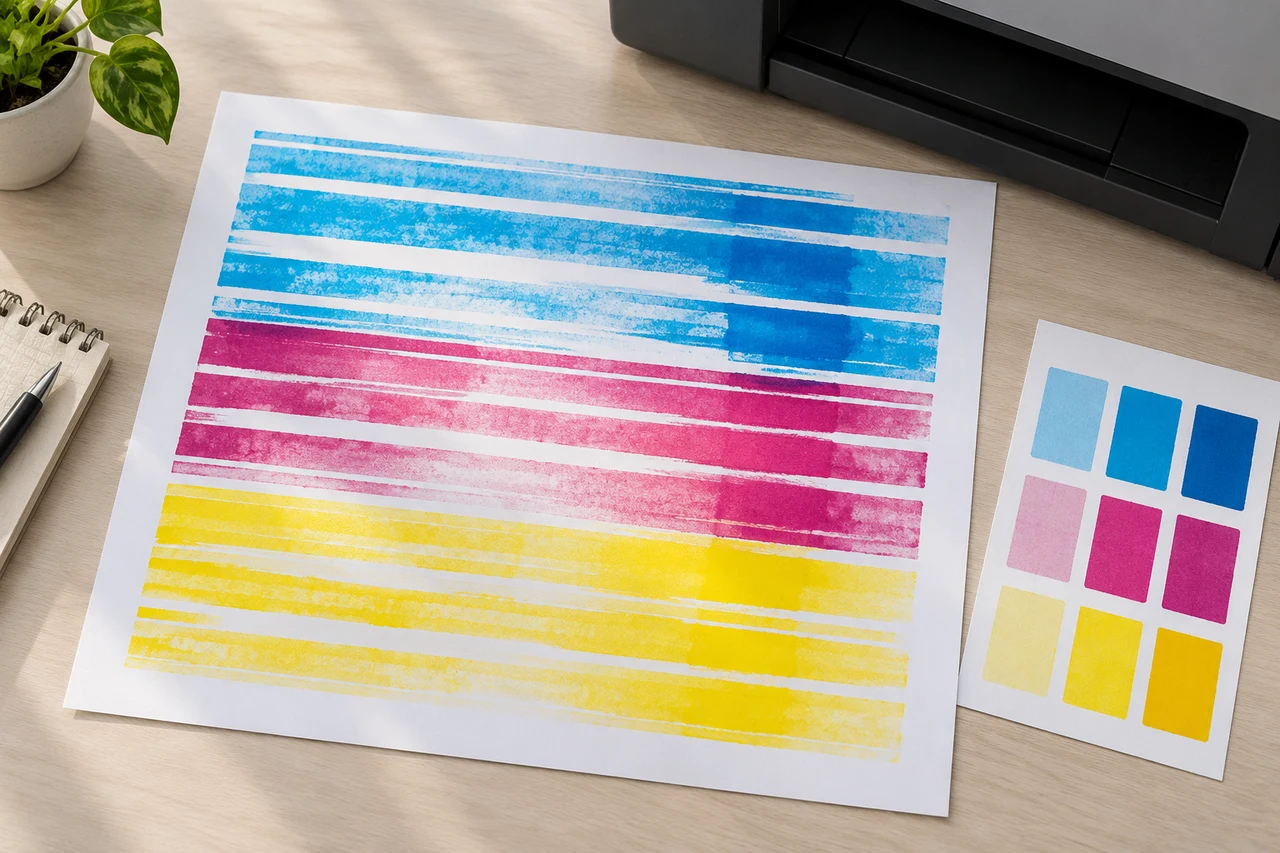
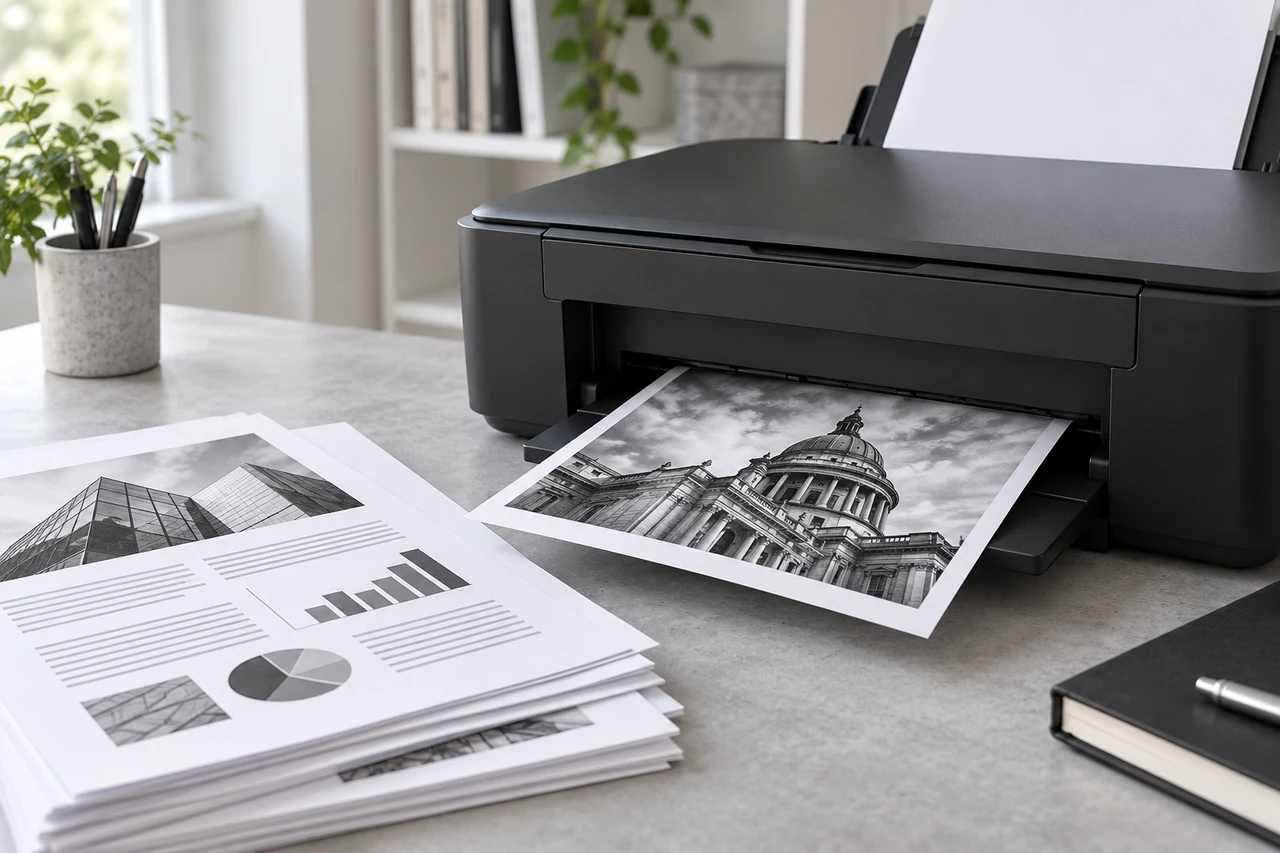
AI-generated editorial illustration. Generic scene, not an Ink-Prints test result or an exact printer/cartridge model.
A printer printing lines needs a symptom check before a cleaning routine. Compare a printer-generated quality pattern with an ordinary document and, if relevant, a copy. Missing horizontal inkjet bands, doubled alignment lines and a streak appearing only in copies can point to different investigations.
In this guide
Describe the line before changing anythingPrint an internal quality checkCheck paper and modeCleaning and alignment are differentWhen a cartridge was just changedDecide when to stopThis guide focuses on inkjets. A laser printer's toner, drum and fuser require a different supported procedure; do not apply liquid-ink cleaning advice to those components.
Describe the line before changing anything
Note whether the mark runs across the sheet or down it, whether ink is missing or added, and whether the spacing repeats. Keep a sample with its paper and quality settings written on it.
| Observation | Useful next comparison |
|---|---|
| Gaps in one channel's diagnostic pattern | Model-specific nozzle checks |
| Doubled or jagged alignment marks | Supported alignment procedure |
| Lines only in copies | Scanner and copying path |
| Pattern complete, photo banded | Paper type, quality and print settings |
| Smears or added ink | Paper/path checks in the exact manual |
These are directions for investigation, not a guarantee that one part is responsible. The same visible symptom can have more than one cause.
Print an internal quality check
Use the exact model's nozzle or quality report. It is more useful than repeatedly printing the same photograph because it helps distinguish a missing ink channel from document settings.
Keep the first pattern. If one channel has gaps, identify which colour rather than assuming every cartridge is faulty. If all channels are complete, inspect the document workflow and alignment before deciding that more ink is needed.
A full ink indicator is not a nozzle test. Conversely, a missing section of one pattern does not establish that an entire multipack needs replacement.
Check paper and mode
Confirm that the paper loaded matches the selected paper type and is suitable for the printer. An inappropriate mode or low-quality setting can make a large colour area look different from the expected result.
Try a small representative sample with the supported settings for that paper. Change one setting at a time and keep the result. This is more informative than raising every quality control and cleaning the head in the same attempt.
If only one application or file produces the problem, compare a known simple document. If the problem appears only in copies, investigate the scanner and original placement using its supported cleaning instructions.
Cleaning and alignment are different
A nozzle-cleaning process aims at suitable ink-output problems. Alignment addresses another class of output error. Use the exact manual to decide the order; do not treat both as a universal repair cycle after every print.
If cleaning is indicated, compare the next pattern with the first and obey the model's limits and waiting periods. A visible lack of improvement is useful evidence. It is not an instruction to repeat indefinitely.
Do not wipe a fixed head with a damp paper towel, soak it in household chemicals or force fluid through it based on a generic guide. Cartridge and head designs differ, and unsupported handling can make the problem worse.
When a cartridge was just changed
Confirm the correct family, colour and preparation instructions. Check whether the printer accepted the cartridge or is showing a recognition message. If recognition is the problem, use the cartridge-recognition guide first.
If the replacement is accepted but one channel remains poor, tell the supplier exactly what the diagnostic pattern shows. Include the full model and a photograph of the installed supplies, not only a photograph of a large banded image.
Decide when to stop
Stop home maintenance when the supported steps and pauses have not improved the result, a new error appears or an internal part needs unapproved access. Contact the manufacturer or a qualified repairer with the before-and-after patterns.
Use Find Ink if the evidence identifies a replacement need. Do not buy another family or a full set simply because a line has appeared.
Is every horizontal stripe a blocked nozzle?
No. Paper, mode, alignment and other conditions can matter. Compare the internal pattern before choosing a repair.
Does a copy-only line need new ink?
Not necessarily. A satisfactory ordinary print points towards the copy/scanner path for further checks.
Should alignment be run repeatedly?
Follow the exact model's instructions and assess the result. Repetition without a diagnostic reason is not a useful test.
Can I use a laser-printer drum cleaning trick?
No. Different print systems have different components and handling requirements.