+44 782 583 7455
For a UK Brother DCP-J1050DW, compare LC421 and LC421XL within the LC421 family. The capacity decision comes after model matching: LC422 and LC426 are different families, not alternative sizes for this printer.
In this guide
Identify the machine and supply arrangementCompare capacity in a useful orderMake the colour balance workInstallation is model-specificChoosing a compatible productQuestions from DCP-J1050DW buyersCheck the right rangeThen decide what you actually need. One empty colour, four low colours and a need for extra black are different purchases. Buying the biggest pack without checking those conditions can leave unused supplies rather than useful savings.
Identify the machine and supply arrangement
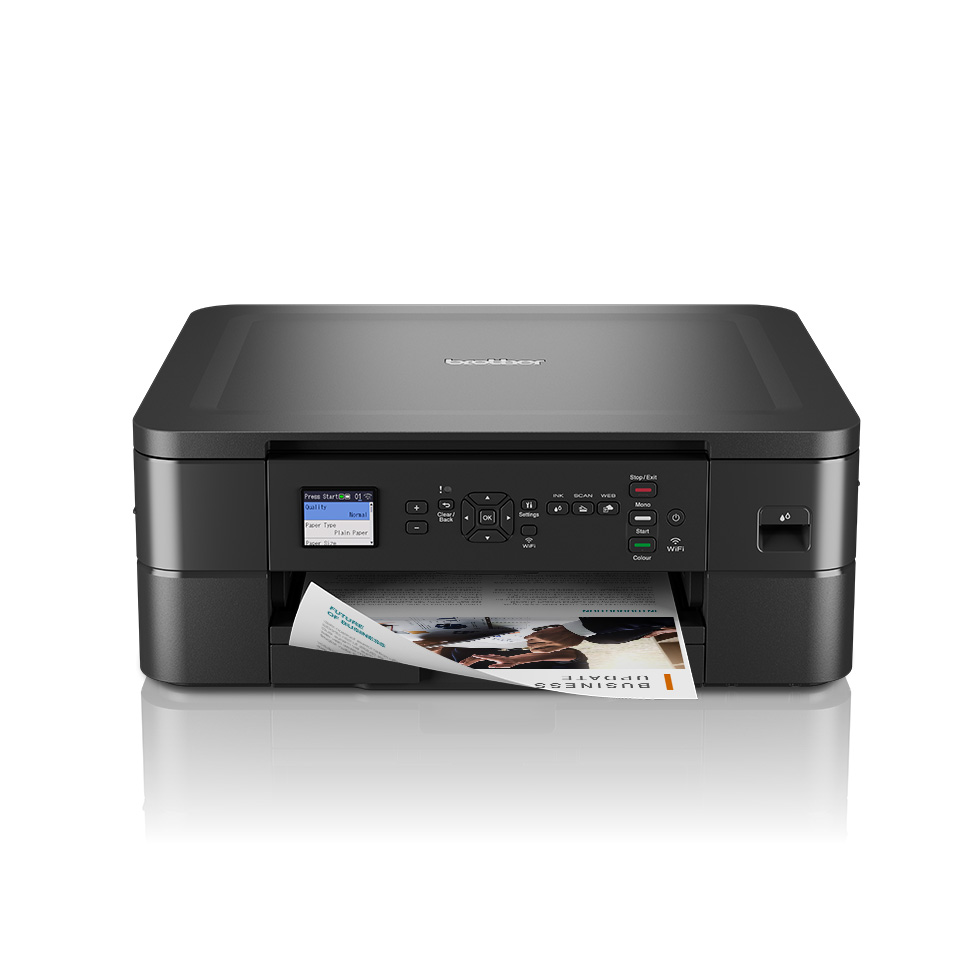
The DCP-J1050DW printer page is the model-specific shopping route. Read the full code on the printer itself, particularly if it was bought second-hand or imported.
Check whether it uses ordinary retail supplies or a subscription arrangement. A second-hand printer's existing cartridges may have account conditions you have not encountered before. Ask about that before assuming any retail replacement behaves identically.
The printer's screen identifies a replacement requirement. Record the colour and message precisely instead of translating every warning into a request for a full set.
Compare capacity in a useful order
| Step | What to establish |
|---|---|
| Family | LC421 for the confirmed UK model |
| Colour | Black, cyan, magenta or yellow |
| Capacity | Standard or XL as specified for that product |
| Quantity | A single, complete set or extra-black bundle |
| Product type | Original Brother or separately specified compatible |
For occasional use, a smaller initial purchase may suit the amount you realistically expect to print. For steady use, compare the XL option against standard using equivalent declared yield information and the delivered price.
Do not assume the same multiplier for black and every colour. Do not apply Brother-original performance to a compatible supplier's product. If reliable comparable yields are unavailable, compare the documented contents without claiming a precise cost per page.
Make the colour balance work
The machine uses separate colour supplies. A full set should identify black, cyan, magenta and yellow; additional black is not another complete set. Check any larger pack's written allocation, not just the picture.
Think about recent replacements. If black has been replaced more often, additional black may be useful. If you print colourful learning materials, focus on colour quantities too. The printer's monthly page count alone does not describe how heavily those pages use each ink.
Check unopened spares before ordering. Having a small written stock list helps avoid repeated full-set purchases that solve the black shortage while duplicating colour cartridges.
Installation is model-specific
Brother's replacement guidance for this model focuses on the indicated colour and careful insertion. Follow the manual, use the correct slot and keep working cartridges installed unless the procedure says otherwise.
Do not copy shaking, soaking or contact-cleaning advice from unrelated printers. Remove only preparation packaging identified by the supplied product's instructions. If the instructions and cartridge design do not agree, ask before proceeding.
Keep labels and order details until the replacement is accepted. If the screen says Cannot Detect, the useful evidence is the exact message, affected colour and installed cartridge, not a count of head-cleaning cycles.
Choosing a compatible product
Check current exact-model support and any relevant restrictions. Compatible LC421XL is not Brother-original ink, so a like-for-like claim needs its own product evidence.
Do not rely on universal promises about every firmware version or assume a mixed original/compatible arrangement is always blocked. Report the actual setup if something is wrong. Avoid hidden resets, chip modifications and unofficial firmware changes.
Questions from DCP-J1050DW buyers
Is LC421XL the only option?
The family has standard and XL choices. Select a supported product and compare capacity against your likely use.
Can I replace only one colour?
Follow the colour indicated by the printer. A bundle offer does not mean usable cartridges must be discarded.
Does XL improve print quality?
It is a capacity designation, not a resolution or photographic-quality guarantee.
What if a cartridge is not detected?
Check the exact family and installation using the manual, then contact the supplier with photographs and the precise message. Do not treat head cleaning as a recognition repair.
Check the right range
Compare the labelled pack contents and current availability in our Brother LC421 / LC421XL range. Match your exact printer before ordering; ask us if the model or cartridge code is unclear.