+44 782 583 7455
A compatible Brother LC421XL purchase needs more than the correct-looking LC number. Confirm the exact UK model, ordinary retail versus subscription supplies, the colours included and the supplier's current compatibility advice.
In this guide
Check the machine before the offerRead all four colour quantitiesTreat yield claims as product-specificRead the Brother installation guidanceAsk specific compatibility questionsQuestions to settle before orderingCheck the right rangeLC421XL is a different family from LC422XL and LC426XL. A low-priced offer for a neighbouring number is not a safe substitute, even when its photograph looks similar.
Check the machine before the offer
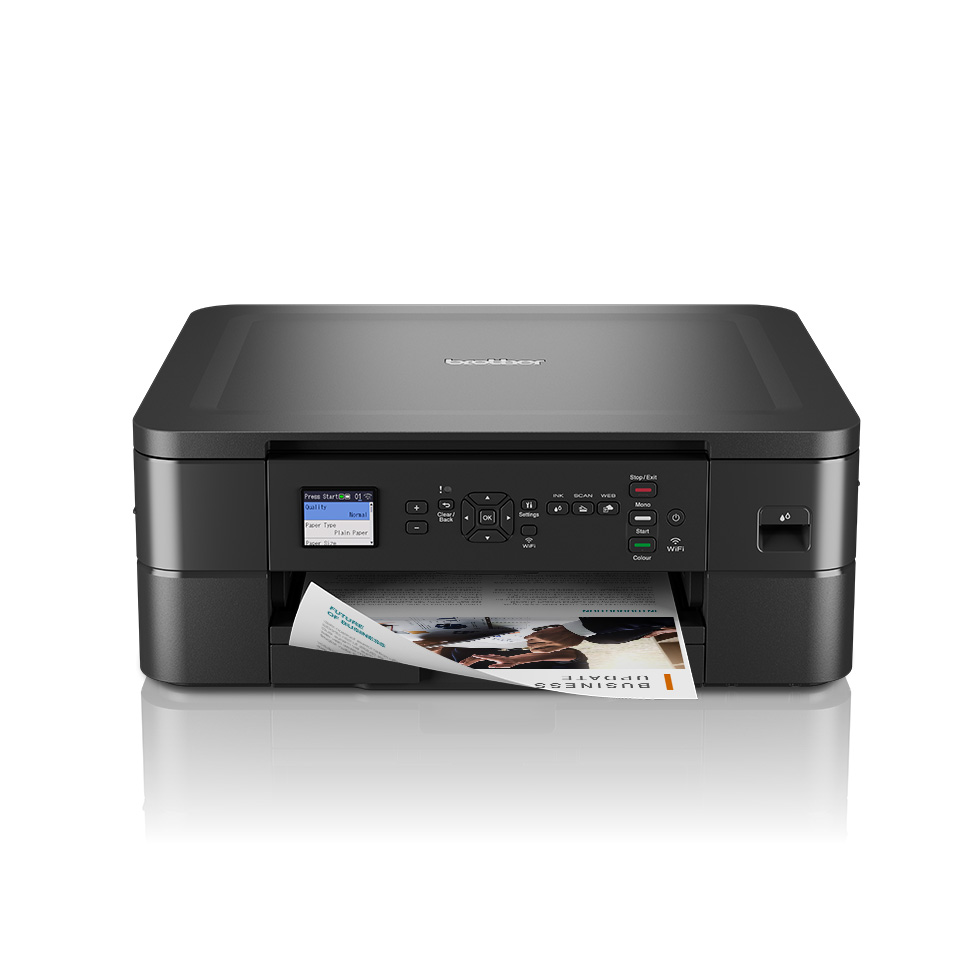
Read the complete model label. Our DCP-J1050DW and MFC-J1010DW pages are verified UK starting points for those models. Imported machines require a regional supplies check.
Next establish how your current ink was supplied. A managed ink subscription can have account conditions that ordinary retail cartridges do not share. Tell the retailer if the printer uses plan-supplied cartridges or if you are uncertain about its setup.
That question should not be confused with capacity. Standard versus XL, original versus compatible, and retail versus subscription are three separate decisions.
Read all four colour quantities
LC421-family supplies are separate black, cyan, magenta and yellow cartridges. A four-piece set should identify all four. Extra black and extra complete sets have different balances.
| Check on the listing | A useful answer |
|---|---|
| Exact compatible models | Your full UK printer code appears |
| Colour allocation | Quantities of BK, C, M and Y are explicit |
| Capacity statement | It describes the supplied product |
| Cartridge type | Original, compatible or remanufactured is clear |
| Support | A normal route for current compatibility questions |
Read the current specification rather than inferring quantities from the number of boxes in the image. If you already have spare colour cartridges, a black-only purchase may be more appropriate than another set.
Treat yield claims as product-specific
Brother's original page ratings do not prove the yield of a third-party product. The compatible supplier should state its own capacity or yield basis. Do not convert a millilitre figure into a guaranteed page count.
A fair cost comparison uses identical colour quantities and comparable declared yields. Dividing a mixed bundle's price by the total number of cartridges hides the fact that black and colour requirements can differ.
If the available data does not support precise pence per page, compare the documented contents and delivered purchase cost instead. Do not fill the gap with a borrowed original-cartridge number.
Read the Brother installation guidance
For the listed LC421 models, Brother's replacement guide focuses on the cartridge identified by the display, correct colour position and careful insertion. It does not call for routinely removing every working cartridge to clear a supposed universal memory cache.
Follow the exact model and replacement-product instructions. Do not copy another brand's advice to shake cartridges, peel off all labels or touch the detection area. If the product's preparation instructions are unclear, ask before installation.
Keep the packaging until the printer accepts the replacement. If it reports Cannot Detect, note the colour and the exact wording. The message needs recognition troubleshooting; head cleaning addresses a different problem.
Ask specific compatibility questions
A useful enquiry gives the full printer code, cartridge family, replacement brand or product and any error already shown. Ask whether the supplied product has current support for that situation.
No compatible product should be treated as guaranteed against every future firmware change. We do not recommend chip modification, unofficial firmware rollback or a hidden-service reset to force acceptance.
If you are buying several sets, consider a smaller suitable order first where compatibility has not yet been established for your setup. The cheapest advertised unit price is less important than receiving supplies you can use.
Questions to settle before ordering
Is a four-piece pack always a complete LC421 set?
Check that it includes one of each required colour. Four black cartridges are also four pieces but do not replenish the colour positions.
Are LC421XL and LC426XL alternatives?
No. Select the family listed for the exact printer, not the number with the most attractive price.
Should all cartridges be removed if one is not detected?
Do not make that a routine first step. Follow the model's guidance for the indicated cartridge and keep working supplies in place unless instructed otherwise.
Can I assume subscription cartridges behave like retail ones?
No. Establish the account and cartridge arrangement before choosing a replacement, particularly on a second-hand printer.
Check the right range
Compare the labelled pack contents and current availability in our Brother LC421 / LC421XL range. Match your exact printer before ordering; ask us if the model or cartridge code is unclear.