+44 782 583 7455
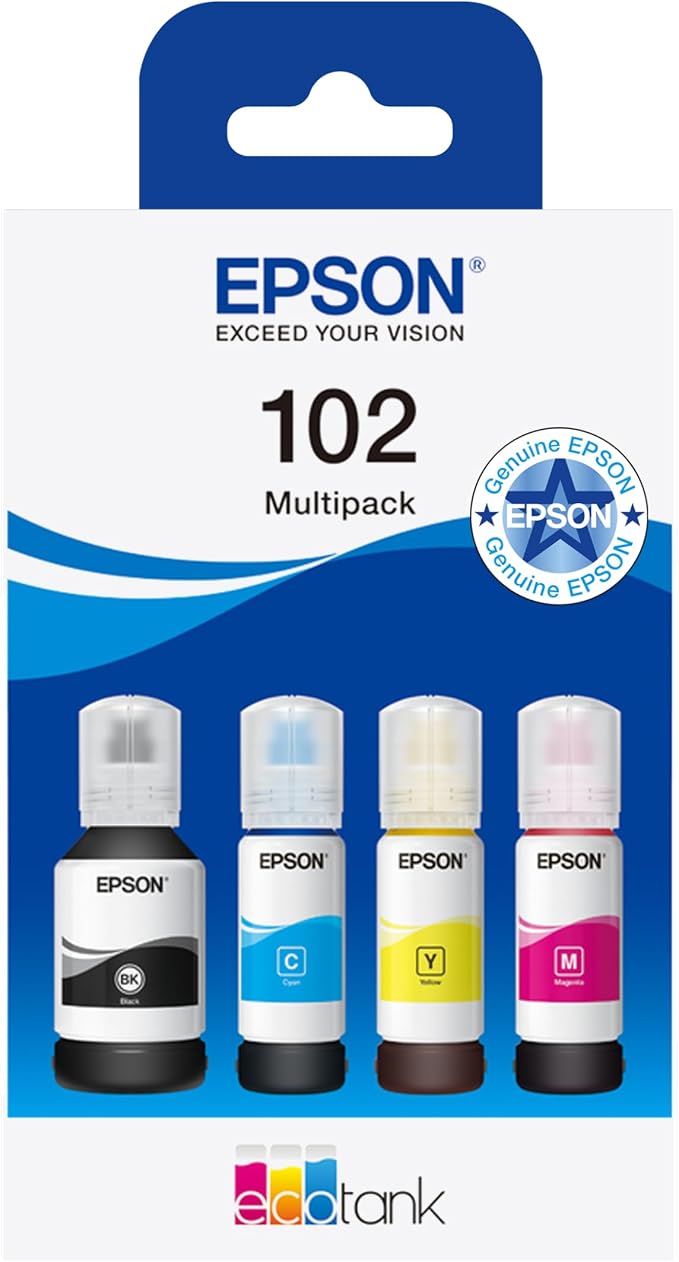
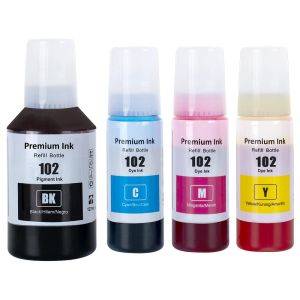
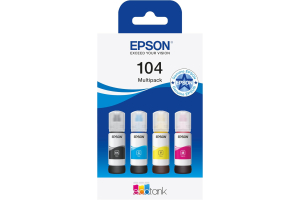
Original product example: Epson 102 EcoTank Ink Bottle Multipack. View this product.
Buy Epson 102 replacement bottles by the exact printer model and ink series, then compare the colours and volumes you need. EcoTank is not a universal ink specification, and a similar bottle shape does not make another numbered series suitable.
In this guide
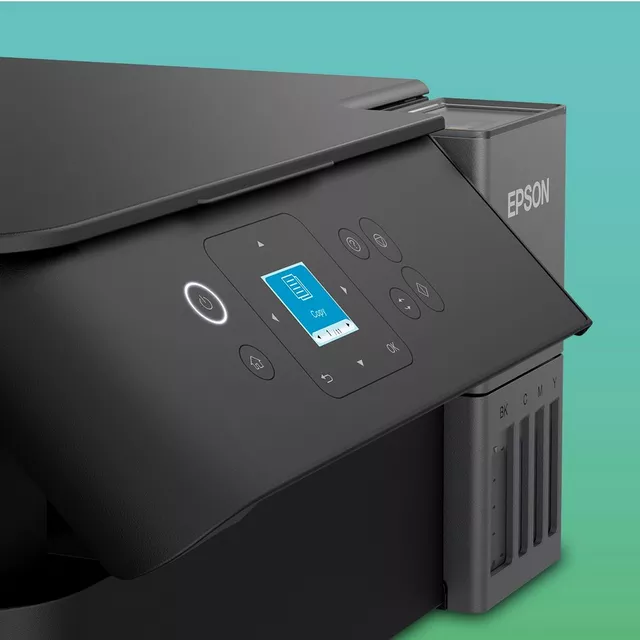
Confirm series before volumeRead the amount of each colourOriginal and compatible bottlesCompare purchase value honestlyBefore fillingCheck the right rangeFor a UK example, the ET-2850 printer page identifies 102 supplies. Confirm your own model rather than assuming every printer in a nearby ET-number range uses the same bottle.
Confirm series before volume
A wrong-family bottle is not made suitable by being larger, cheaper or labelled compatible. Read both the printer's supplies list and the replacement product's exact-model support.
If an old bottle is available, check its label as a cross-reference. On a second-hand printer, make sure the previous refill was appropriate before using that bottle as your only evidence.
The 102 versus 104 article addresses a frequent family confusion. Do not modify a cap or use a syringe to put a different series into a tank.
Read the amount of each colour
| Component | Useful check |
|---|---|
| Black | Exact volume and number of bottles |
| Cyan | Its own listed volume and quantity |
| Magenta | Its own listed volume and quantity |
| Yellow | Its own listed volume and quantity |
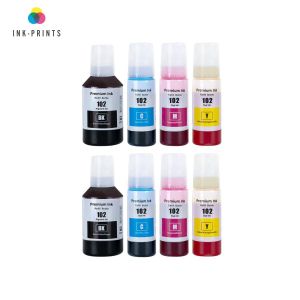
| Additional bottles | Whether they repeat black or a complete set |
A bundle can contain a larger black bottle than its colour bottles. That is not the same as four identical quantities, so read each entry. Comparing only total millilitres can conceal an allocation that does not suit your printing.
An extra-black bundle may suit someone whose black tank drops faster. It does not replenish cyan, magenta and yellow again. Check the levels in your actual printer and unopened bottles before ordering another complete set.
Original and compatible bottles
Original Epson and compatible alternatives are separate products. A compatible bottle should identify the supported series, model, colour and fill quantity clearly. It does not inherit every original ink claim about yield, photographic performance or durability.
Bottle-cap designs may also differ. Confirm how the supplied bottle is used with the printer and whether its instructions agree with the model's filling limits. Do not assume every third-party bottle has the same automatic shut-off mechanism as the manufacturer design.
Some internal shop stock codes contain XL. That is not proof of an official Epson 102XL bottle family. Use the visible 102 series designation and actual volume rather than interpreting a retailer code as a technical standard.
Compare purchase value honestly
First compare delivered cost for matching colour quantities and documented volumes. If calculating cost per page, use a yield figure that genuinely belongs to the supplied product and its stated conditions.
Do not convert bottle volume into guaranteed pages using a ratio from another printer. Initial setup, maintenance, document coverage and photos affect how much useful output a particular fill produces.
A printer's promotional included-ink claim is not automatically the yield of a replacement bundle. The starting conditions and quantities can differ. If a reliable comparable output figure is missing, say so rather than manufacturing a precise saving.
Before filling
Keep the printer level and confirm bottle colour against the tank label. Follow the exact model's refill procedure and the bottle's supported preparation method. Open one relevant tank at a time and stop at its marked upper limit.
Do not squeeze, force or overfill. If the product does not fit as instructed, pause and verify it before ink enters the machine. Correcting an uncertain order while it is sealed is easier than correcting a tank filled with the wrong liquid.
Afterwards, securely close the tank and bottle as instructed. Keep any remainder upright, labelled and stored under that product's guidance; do not assume unlimited life after opening.
Can I buy only black 102 ink?
Check current suitable single-bottle offers. A complete set is not necessary merely because one tank is low.
Does a bigger bottle improve print quality?
Volume is not a quality rating. Check the exact ink product and appropriate paper/settings separately.
Is all EcoTank black the same?
No universal interchangeability is established. Follow the series specified for the exact printer.
What if the wrong series has already been added?
Stop printing and seek model-specific manufacturer or repair advice. Do not try to fix it by dilution or repeated cleaning.
Check the right range
Compare the labelled pack contents and current availability in our Epson 102 range. Match your exact printer before ordering; ask us if the model or cartridge code is unclear.