+44 782 583 7455
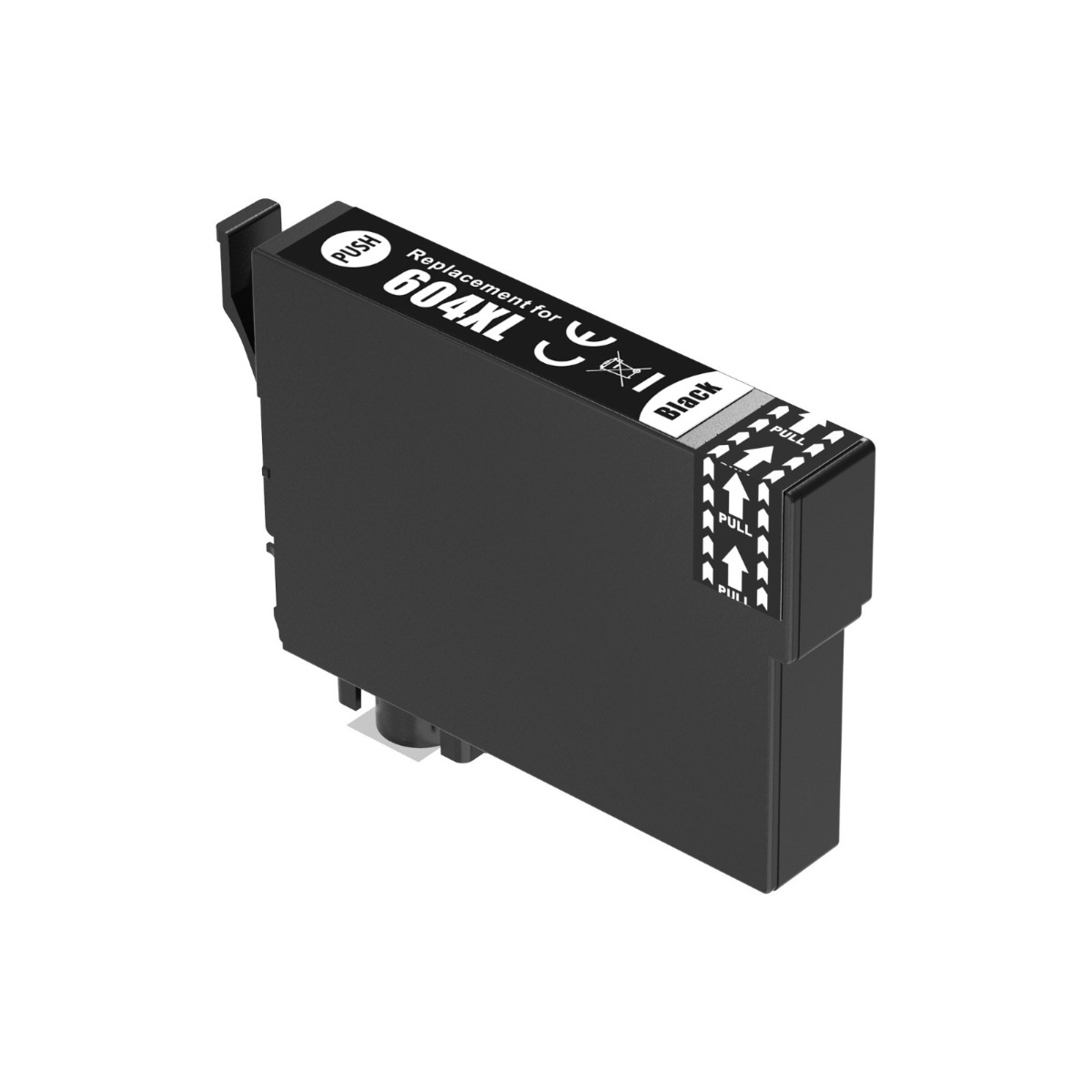
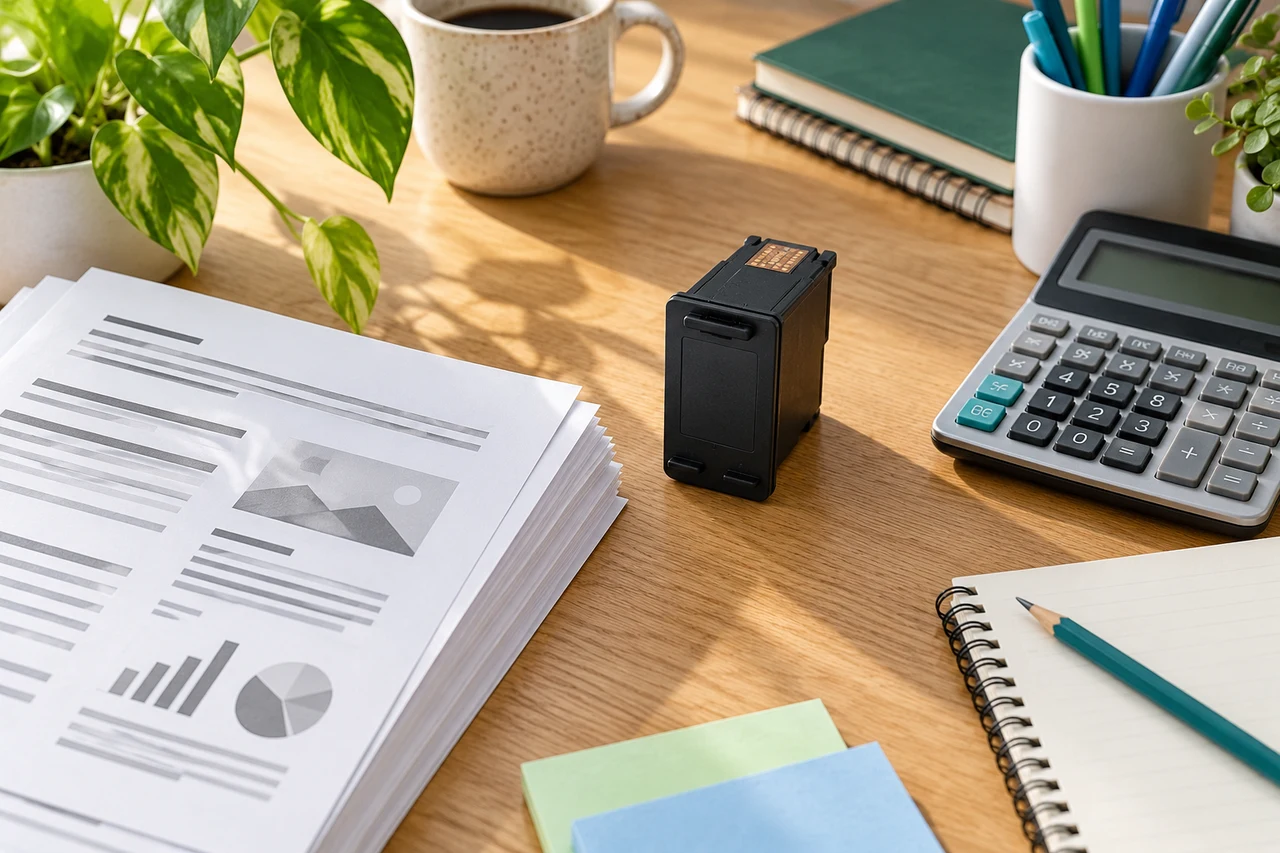
Compatible product example: Compatible Black Epson 604XL High Capacity Ink Cartridge (Replaces Epson 604XL Pineapple C13T10H14010 ). View this product.
If an Epson 604XL cartridge is not recognised, check the exact printer and affected colour first. Then follow that model's replacement procedure and record the precise error. Do not start with repeated head cleaning: it does not resolve an electronic recognition message.
In this guide
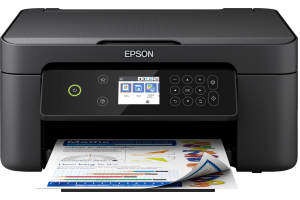
Separate three different problemsConfirm the cartridge and modelUse the right replacement positionConsider what changedEvidence that helps supportCheck the right rangeFor a UK XP-2200, 604-family selection is appropriate, but acceptance also depends on the actual cartridge, installation and current compatibility. A correct family number alone cannot prove that an individual replacement is working.
Separate three different problems
| What the printer reports | What to investigate |
|---|---|
| Cartridge not recognised | Correct product, installation and detection |
| Ink low or replacement required | The exact model's ink-status and replacement guidance |
| Cartridge accepted but poor print | Diagnostic pattern and ink-flow/quality checks |
Copy the exact wording rather than describing every warning as empty ink. Photograph the panel or computer message. If a light flashes without text, use the model's manual to interpret the light combination.
Confirm the cartridge and model
Check the complete printer label, the replacement packaging and the label on the cartridge. Our XP-2200 ink page identifies the UK family for that model. A different regional version or neighbouring XP model needs its own supplies check.
Confirm black, cyan, magenta or yellow against the position indicated by the error. A four-colour multipack does not mean that every cartridge in it has failed when one colour is highlighted.
If the series is wrong, stop. Do not force the cartridge, alter plastic tabs or transfer a chip from an old supply. Keep unopened items sealed and ask the retailer about the correct replacement and return process.
Use the right replacement position
The XP-2200 is not operated in exactly the same way as every Epson with a screen. Follow its own cartridge-replacement instructions; do not pull the carriage into position by hand or reach inside while it is moving.
Check the preparation instructions for the actual replacement. Remove only the packaging parts identified by the manufacturer or supplier. An arbitrary label may have a purpose, and exposed contacts or outlets should not be handled unnecessarily.
If the correct cartridge has not seated properly, follow the documented reseating procedure for the indicated position. Avoid repeatedly removing all working cartridges, leaving them out for long periods or inventing a battery-like memory reset.
Consider what changed
Did the cartridge fail immediately, work before an update, or stop after a long unused period? Was only one colour replaced? Was it an original or compatible product? These details help distinguish a first-installation problem from a later change.
An error after an update is useful evidence, not proof that every such error has the same cause. Do not download unofficial firmware, disable security features or assume a seller can guarantee compatibility with every software version.
If the printer still rejects the cartridge after the supported checks, pause and contact the supplier. Opening several more replacements without a diagnosis can make a simple product issue harder to trace.
Evidence that helps support
Send the full model, order reference, cartridge-label photograph, a picture of the cartridges installed and the exact error message. Include the affected colour and a short timeline. Share these through the retailer's normal support route; keep personal account details out of public posts.
If an original cartridge you already own is known to work, describe that fact. Do not buy an entire original set solely as a speculative diagnostic without discussing the issue first.
Our general recognition guide provides a broader checklist. If the cartridge becomes accepted but printing remains poor, investigate print quality separately rather than continuing recognition steps.
Will cleaning the head fix this message?
Not a recognition failure. Cleaning uses ink and should be reserved for the appropriate print-quality problem.
Does the error mean every compatible 604XL is unsuitable?
No. It identifies a problem with the current situation, not a proven conclusion about every supplier or model.
Should I mix and unmix cartridges repeatedly?
No. Record what is installed and follow exact-model advice. There is no established universal original/compatible mixing block covering every Epson.
What if a supported reseat does not help?
Stop repeating it and contact the supplier with the evidence. Further attempts should follow model-specific support guidance.
Check the right range
Compare the labelled pack contents and current availability in our Epson 604 / Epson 604XL (Pineapple) range. Match your exact printer before ordering; ask us if the model or cartridge code is unclear.