We use cookies to make your experience better. To comply with the new e-Privacy directive, we need to ask for your consent to set the cookies. Learn more.
 +44 782 583 7455
Epson 405XL or 503XL? Check your WorkForce printer first
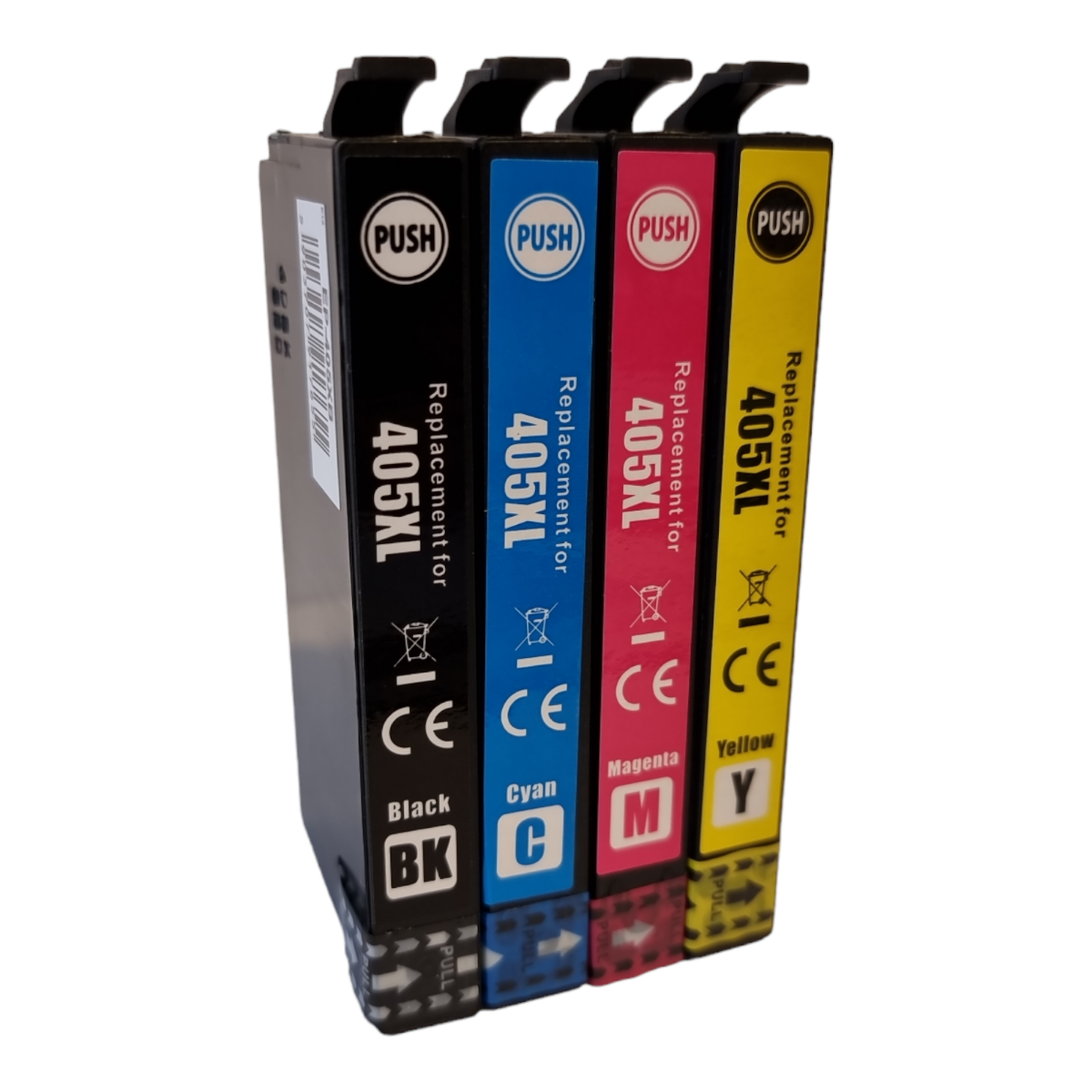
Quick answer: The WorkForce name does not identify one ink family. The WF-3820DWF uses 405, while the WF-2960DWF and WF-2965DWF use 503. Check the full model before choosing XL replacements.
Find current ink for your printer: Epson WF-3820DWF · Epson WF-2960DWF · Epson WF-2965DWF.
The important number is the cartridge family
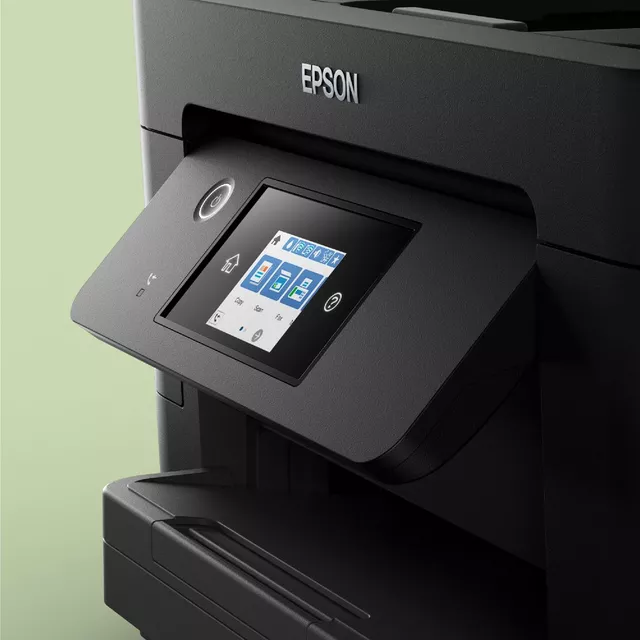
Start with the model printed on the printer, not just “Epson WorkForce”. The range contains printers using several different ink families. The letters and digits together identify the machine; a shared WF prefix is not enough to establish compatibility.
A 405XL cartridge and a 503XL cartridge can both be described as high-capacity Epson-compatible ink, but that description does not make them substitutes for one another. Use the correct numbered family and check the colour and quantity for your order.
A useful check for WF-2960DWF and WF-2965DWF owners
These two models belong to the 503 ink family. Do not choose 604XL simply because another small WorkForce printer uses 604. The printer pages linked above show the current compatible 503XL options and lead back to the full family page.
If a search result, old order or third-party listing gives a different family, check it against the manufacturer’s consumables reference. Tell us the full model and the cartridge number currently installed if you would like help resolving a mismatch.
Choose a pack around the colours you need
Both of these families use separate black, cyan, magenta and yellow cartridges. A complete four-colour pack is useful when several colours need replacing, while a single colour lets you refill only the position that is running low.
Extra-black packs can suit regular document printing, but check how many colour sets and additional black cartridges the bundle actually includes. An “eight pack” is a quantity, not a colour breakdown. Read the contents on the product page before comparing the price.
Compare compatible ink using the actual listing
Look at the cartridge-family code, printer list, exact pack contents, stock and current price together. “XL” describes the capacity option within the correct family; it is not a compatibility shortcut. Any page-yield statement should belong to the specific product being offered.
Keep the confirmation email or product label from a successful order. For a future refill, compare the saved cartridge number with the printer model again, especially if the household or office has more than one Epson machine.
Find compatible ink at Ink-Prints
Browse Epson 405XL ink · Browse Epson 503XL ink.
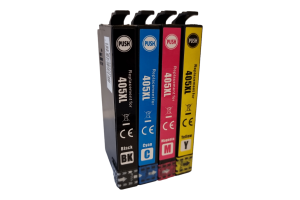
View the compatible Epson 405XL four-colour set
The linked products are compatible replacements supplied by Ink-Prints. Open the product page to check its exact contents, current price and stock before ordering. If the model or cartridge code does not match, ask us to check it.
Compatibility references: Epson 405 compatibility · Epson WF-2960DWF consumables. These manufacturer references identify the cartridge family; manufacturer yields are not a promise of replacement-ink performance.
Recent Posts