We use cookies to make your experience better. To comply with the new e-Privacy directive, we need to ask for your consent to set the cookies. Learn more.
 +44 782 583 7455
Brother LC422XL vs LC426XL: which set fits your printer?
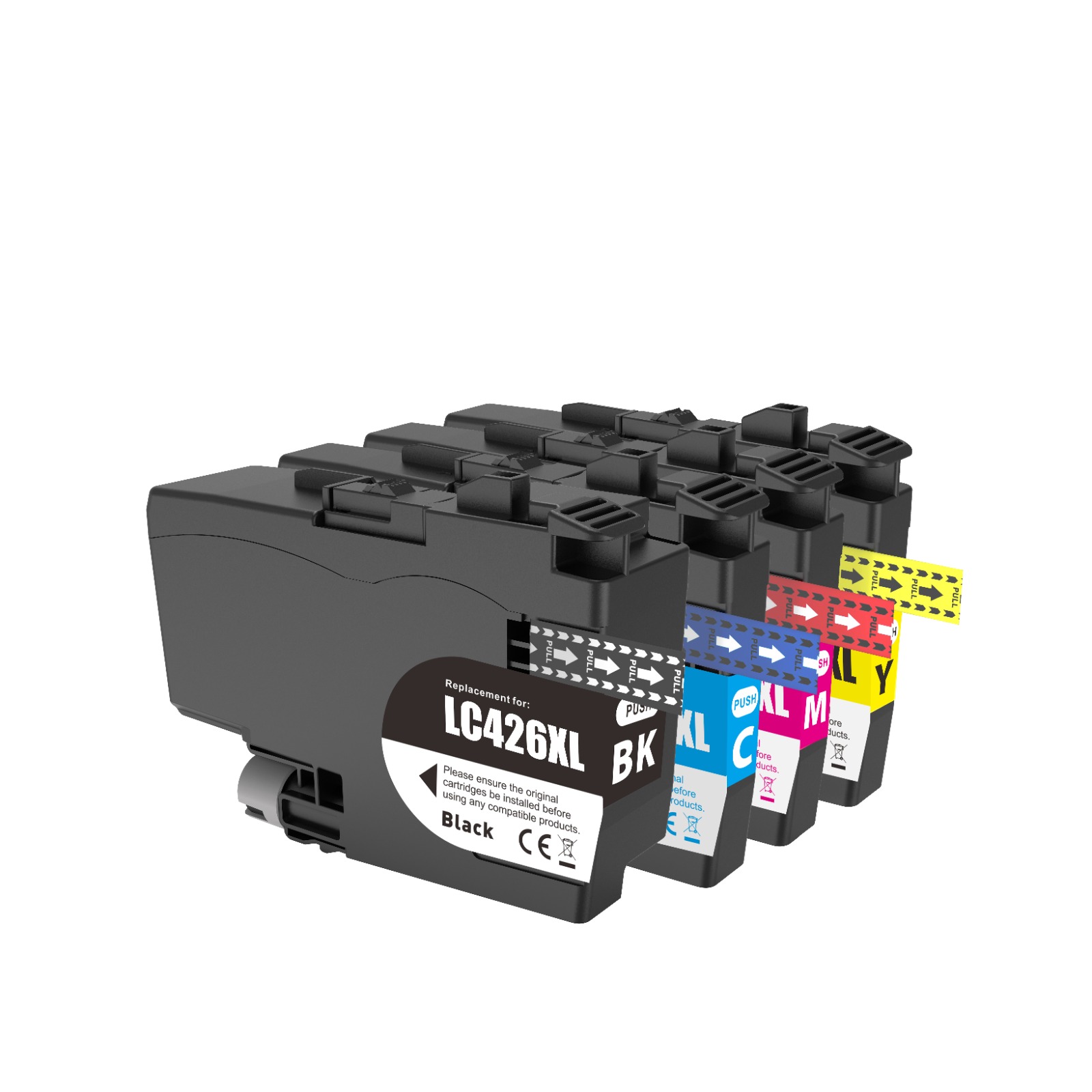
Quick answer: The MFC-J4340DW and MFC-J4540DW use LC426; the MFC-J5340DW and MFC-J5740DW use LC422. LC422XL and LC426XL should be matched to their own printer family.
Find current ink for your printer: Brother MFC-J4340DW · Brother MFC-J5340DW · Brother MFC-J4540DW · Brother MFC-J5740DW.
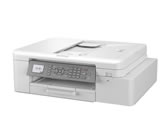
Read the complete MFC-J model number
Brother model names can be easy to confuse when you remember only a few digits. Before ordering, read the complete name on the printer and match it to the product’s compatibility information. Include any suffix shown on the machine rather than assuming that every MFC-J printer uses the same cartridge.
The MFC-J4340DW and MFC-J5340DW are a useful comparison: the change in model number corresponds to a different ink family. A listing that mentions “Brother XL” but does not identify LC422 or LC426 is not enough to make the match.
A four-colour set contains four separate cartridges
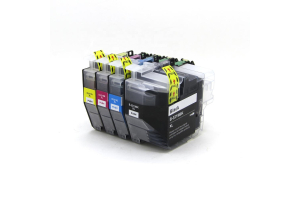
The linked LC426XL set contains one black, one cyan, one magenta and one yellow cartridge. The LC422XL colour set follows the same four-colour breakdown, but the cartridges belong to a different family. The common colours do not establish interchangeability.
Cyan in these four-colour sets means the standard cyan position. A description for one light-cyan cartridge is not a description of a complete LC422XL CMYK set. Check the number of cartridges and the colour breakdown together.
When should you buy individual colours?
If one position is running low and the others have plenty of ink, compare the single-colour options. A complete set can be convenient for a planned refill, but it is not necessary to replace colours solely because they were bought in the same box.
For an office that uses more black ink, compare a set plus extra black with several full sets. Calculate how many cartridges of each colour you will receive, and consider the printer’s usual printing pattern before buying a larger bundle.
Check the supplied item before installation
Compare the family code and colour on the replacement with the printer’s user guide and the listing you ordered. Follow the supplied instructions for removing packaging and fitting the cartridge. Keep the product label and order details until the installation is complete.
If the printer reports an error, contact us with the full model, order number and exact message. That information is more useful than trying a different LC family or assuming that a similar-looking cartridge must fit.
Find compatible ink at Ink-Prints
Browse Brother LC422XL ink · Browse Brother LC426XL ink.
View the compatible Brother LC426XL four-colour set
The linked products are compatible replacements supplied by Ink-Prints. Open the product page to check its exact contents, current price and stock before ordering. If the model or cartridge code does not match, ask us to check it.
Compatibility references: Brother LC426 supply specifications · Brother LC422 supply specifications. These manufacturer references identify the cartridge family; manufacturer yields are not a promise of replacement-ink performance.
Recent Posts