We use cookies to make your experience better. To comply with the new e-Privacy directive, we need to ask for your consent to set the cookies. Learn more.
 +44 782 583 7455
HP 305 and 305XL: black, tri-colour and multipacks explained
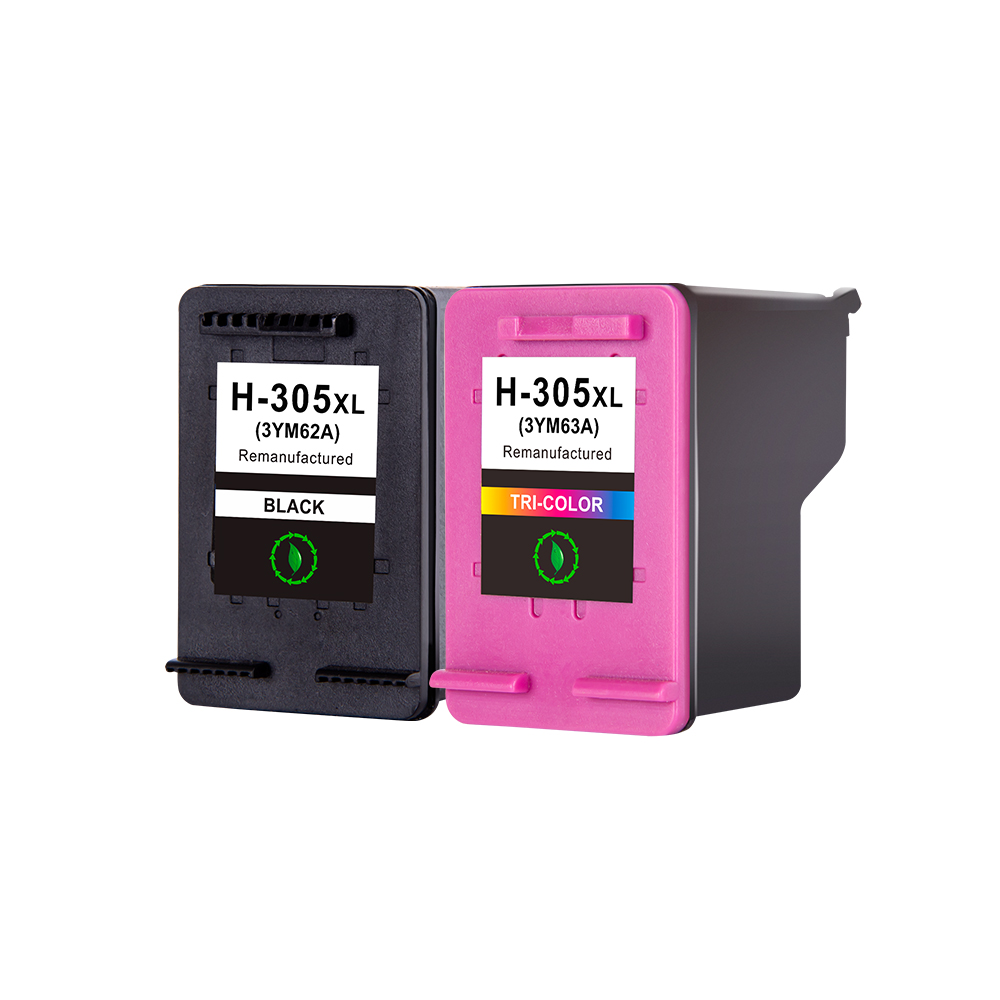
Quick answer: A black-and-tri-colour HP 305XL set contains two cartridges: one black and one tri-colour. Cyan, magenta and yellow are combined in the tri-colour cartridge.
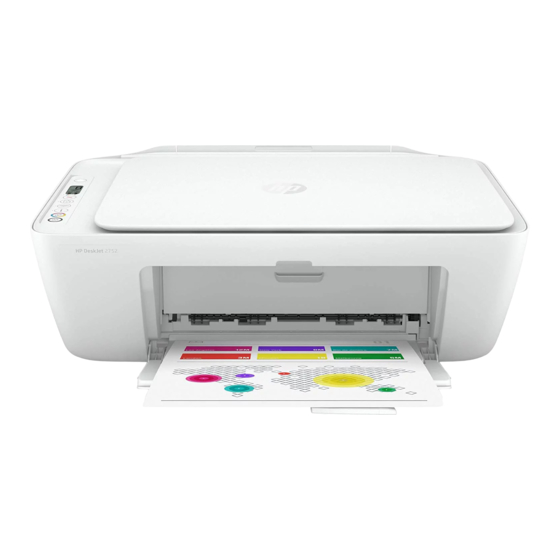
Find current ink for your printer: HP DeskJet 2700 series · HP ENVY 6000 series · HP DeskJet Plus 4100 series.
Two cartridges can cover four printing colours
A tri-colour cartridge contains cyan, magenta and yellow together. You therefore buy one colour cartridge for that combined position, rather than three separate cartridges. Black is supplied in the other cartridge.
Read bundle names carefully. “Black and colour” can mean the normal two-cartridge combination, while a larger pack might include extra black cartridges or several colour cartridges. The total number of colours mentioned is not necessarily the number of physical cartridges in the box.
305 or 305XL: establish the family first
The 305 number identifies the family. XL identifies a higher-capacity option within that family. Check that your printer uses 305 before comparing the capacity or quantity of the compatible listings.
The European supplies chart lists the DeskJet 2700, DeskJet Plus 4100 and ENVY 6000 series with 305. Check the complete model and the cartridge number on your UK printer: imported versions can use different regional codes, and similar printer names do not guarantee the same ink.
Choose black, tri-colour or a larger bundle
If only black needs replacing, compare a black cartridge with a set that includes an additional tri-colour cartridge. If you print colour documents regularly, look at the colour-cartridge quantities in the larger bundles. Buy for the printer’s actual ink levels and your expected usage.
Compare the exact contents and the listing’s stated capacity rather than borrowing a page-yield claim from an original HP cartridge. Printed pages vary with the document, coverage and printing settings, so a specific manufacturer yield is not a guaranteed result for every replacement ink.
Check subscription and installation instructions
If your printer is enrolled in a managed ink or subscription service, read the service and printer instructions before replacing its cartridges with a separately purchased product. Ask us to check your full model if you are unsure about the supplied item.
Follow the replacement procedure in the printer’s user guide. If a cartridge is not recognised, keep the order details and note the exact screen message. Send the model and a photo of the cartridge label so we can investigate the match.
Find compatible ink at Ink-Prints
Browse compatible HP 305XL ink.
View the compatible HP 305XL black and tri-colour set
The linked products are compatible replacements supplied by Ink-Prints. Open the product page to check its exact contents, current price and stock before ordering. If the model or cartridge code does not match, ask us to check it.
Compatibility references: HP European supplies compatibility chart. These manufacturer references identify the cartridge family; manufacturer yields are not a promise of replacement-ink performance.
Recent Posts